Your account
Sign-in, notifications, subscription and support.
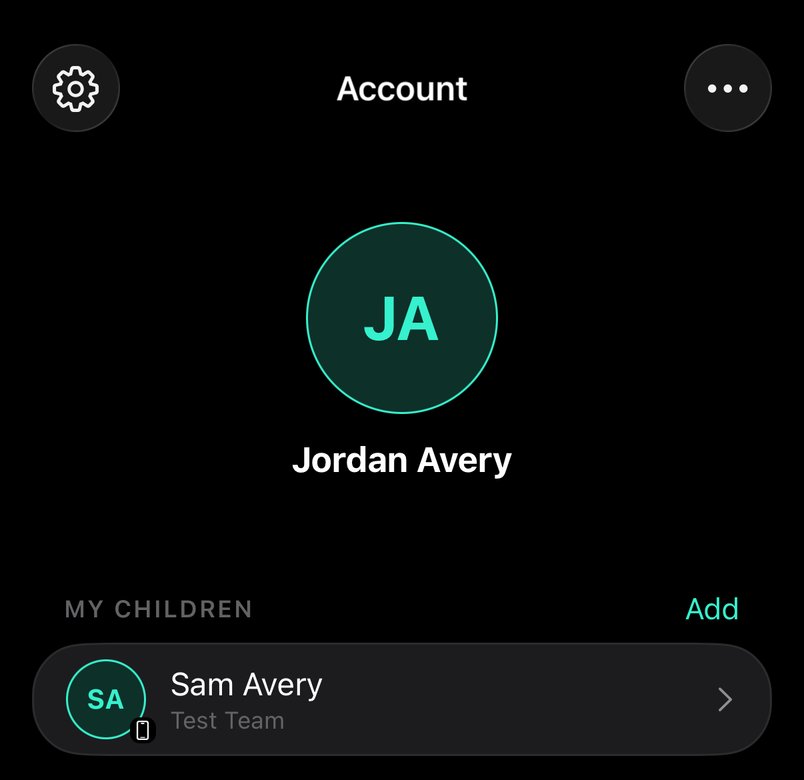
Your profile, positions and the teams you're on. The cog opens Settings: notifications, calendar sync, subscription, support and sign out.
How to
Add a child to your account
For parents
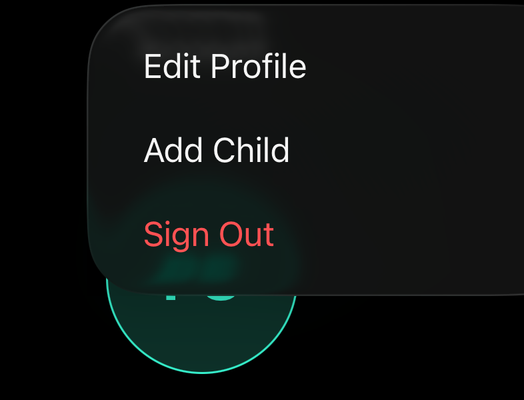
From the ⋯ menu on your Account, add a child so you can answer availability and pay fees on their behalf.
Delete your account
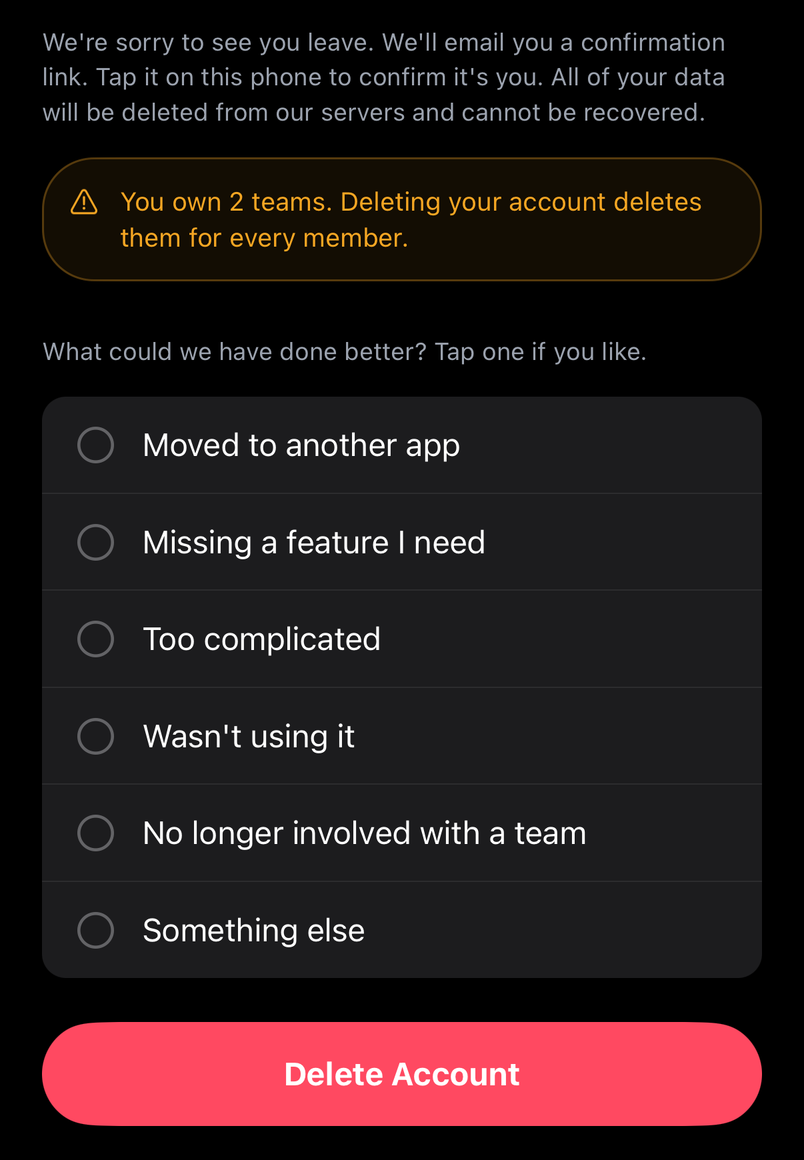
Settings › Account › Delete Account. You confirm it's you, by a link emailed to you or by signing in again, and everything Lineup holds about you is deleted and can't be recovered.
If you own a team, deleting your account deletes the team too: hand it to another admin under Staff first if the team is carrying on. To keep a copy of your data, use Download my data in Settings before you go. A player's record on a team they've left stays with that team's stats.
See the tips again
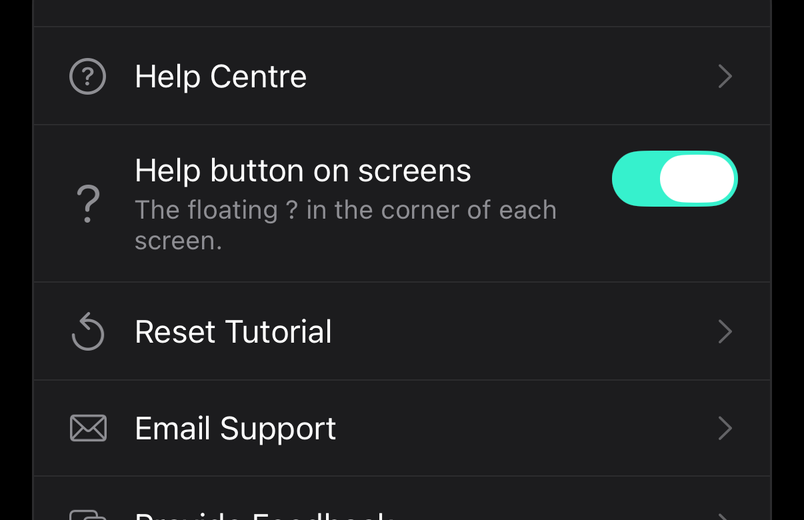
Reset Tutorial under Settings replays the short tours on the Schedule, Teams and Account screens the next time you open them.
Common questions
How much does it cost?
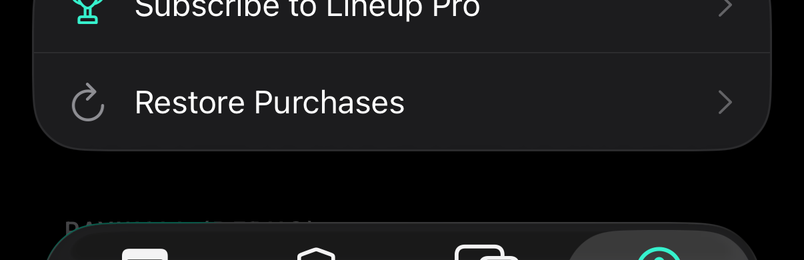
Joining a team is free for players, parents and coaches. Lineup Pro is a subscription for the person who runs the team, and unlocks every team they own.
I forgot my password
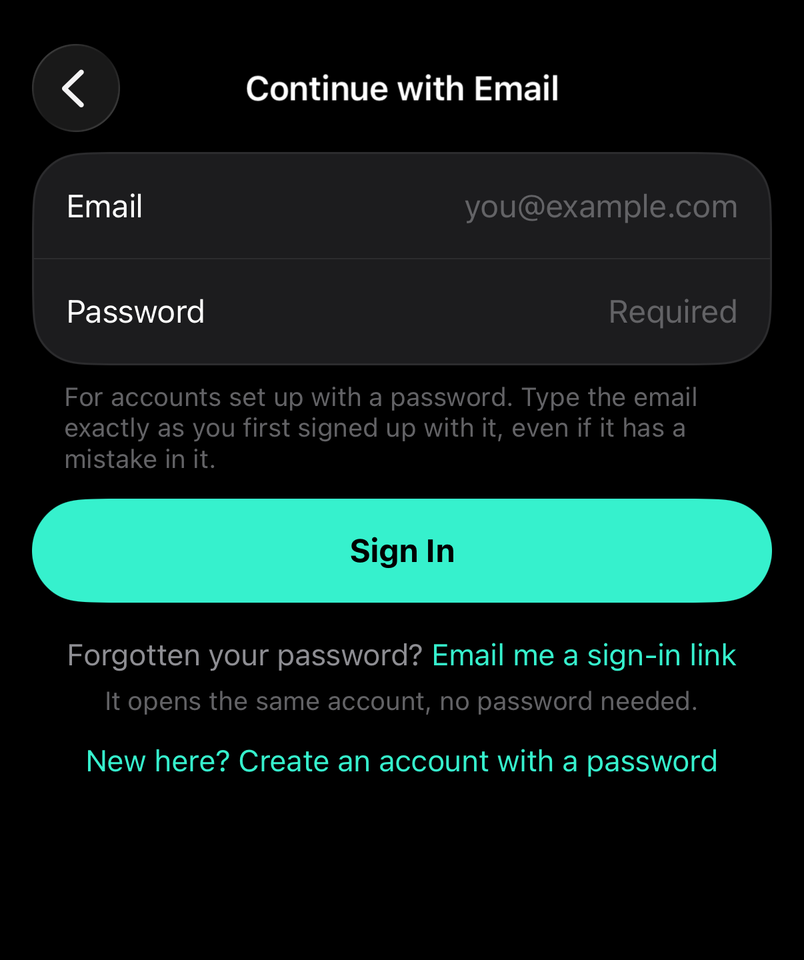
Use the link on the sign-in screen to get a reset email. You can also sign in with a link sent to your email instead of a password.
I created a team by mistake while looking for mine
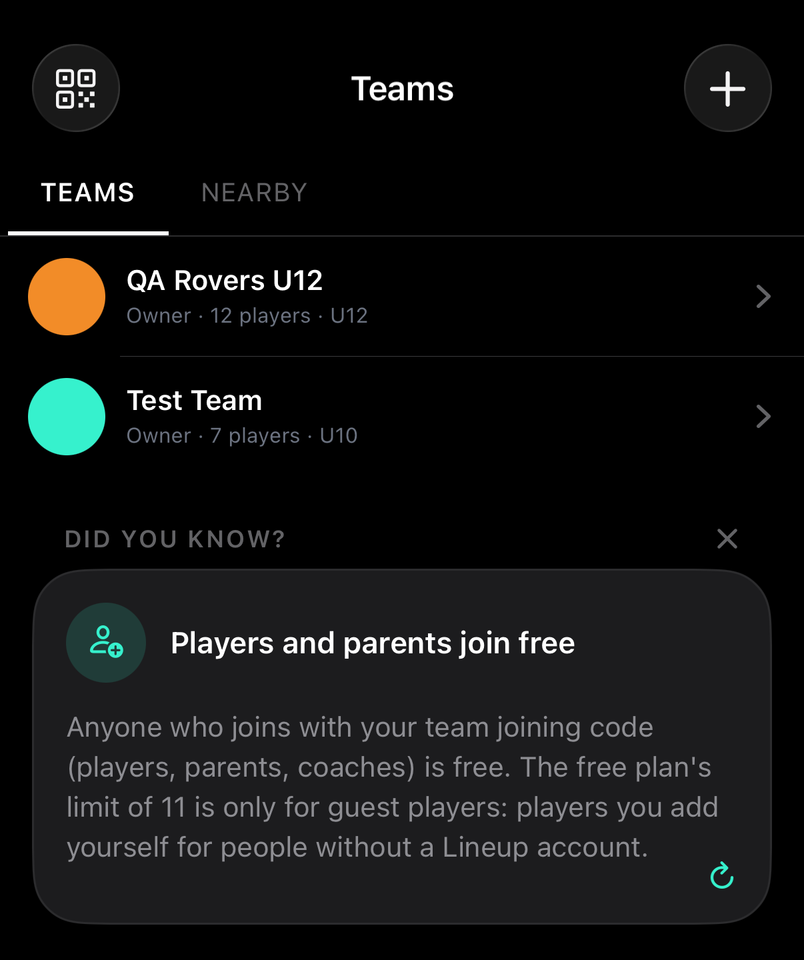
Teams are private: ask your organiser for the joining code. You own the team you made, so open it and delete it from Edit Team.
I'm not getting notifications
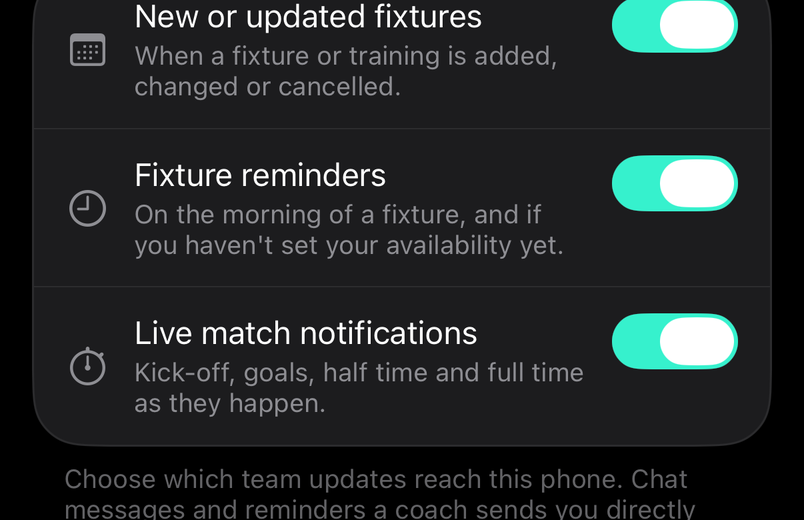
Check Notifications under Settings in the app, then your phone's own settings for Lineup App. On iPhone that's Settings › Notifications › Lineup App › Allow Notifications.