
Your team
The team page, joining code, seasons and the website.
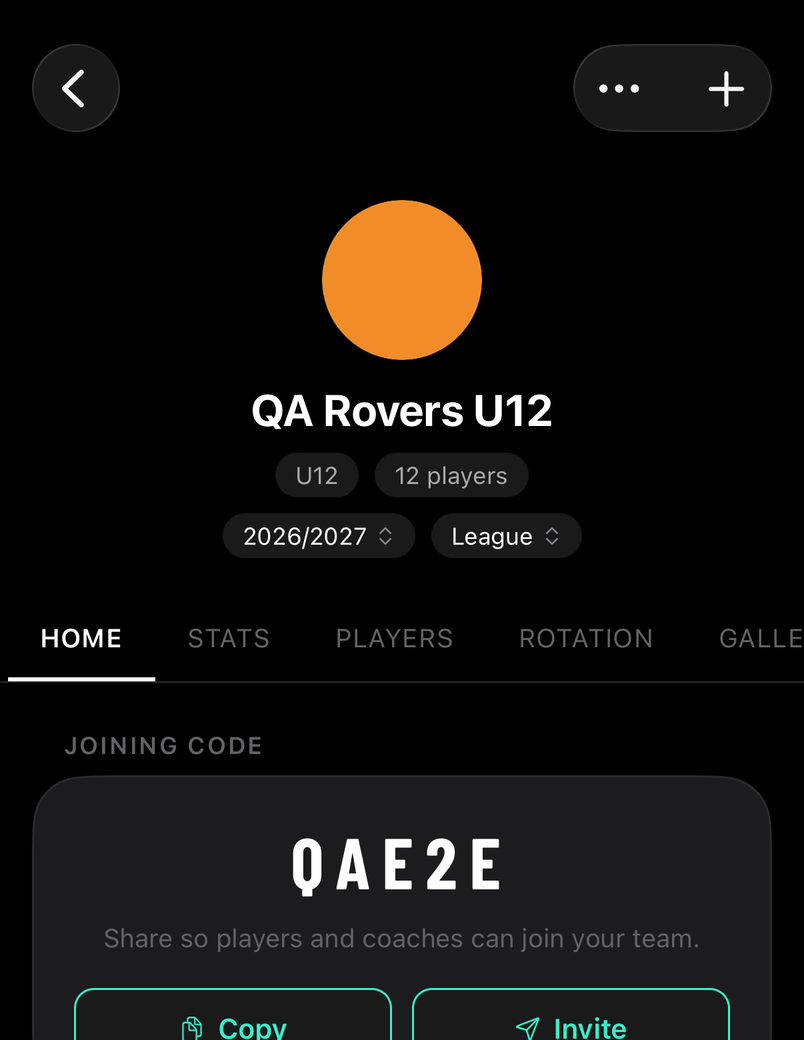
Home has the joining code and the next fixture. Stats, Players and Gallery are for the whole team. Team holds lineups, formations, kits, drills and sessions; Admin has finances, staff, parents and settings.
How to
Invite players, parents and coaches
For staff
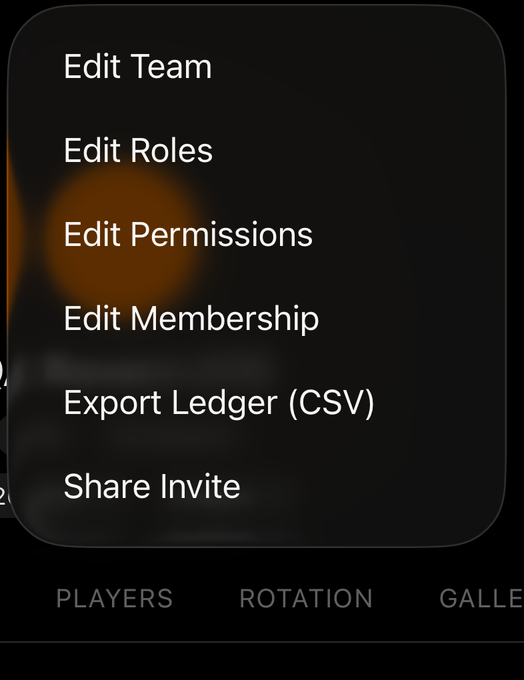
Share Invite in the ⋯ menu sends the joining link. Players, coaches and parents join themselves, free; the code is also on the Home tab.
Seasons
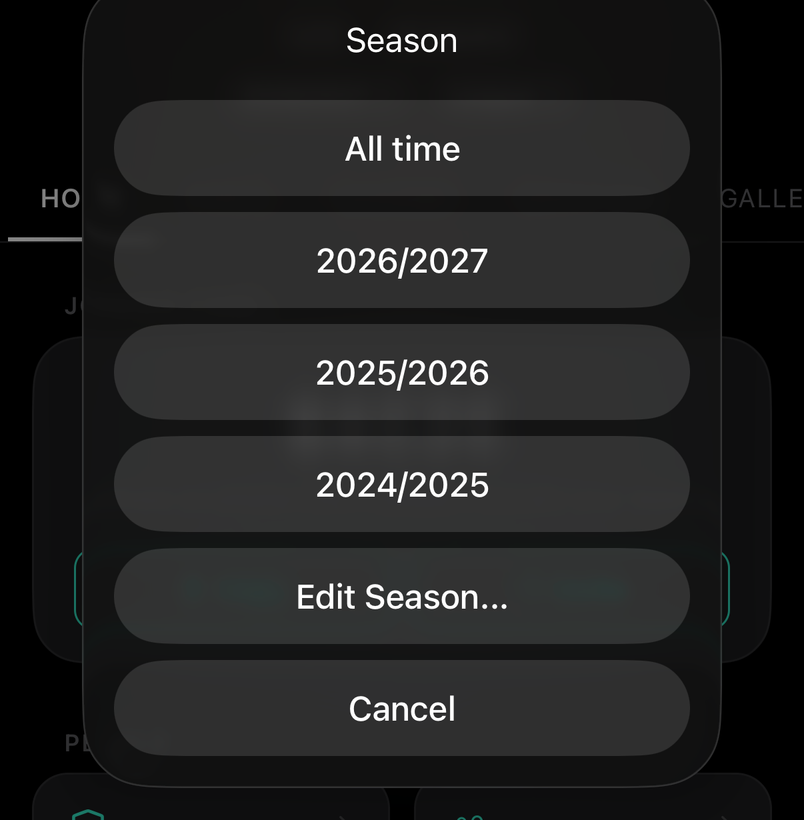
Switch seasons from the chip under the team name to see that year's stats, results and leaderboards. Edit Season sets when yours runs.
A website for the teamPRO
For staff
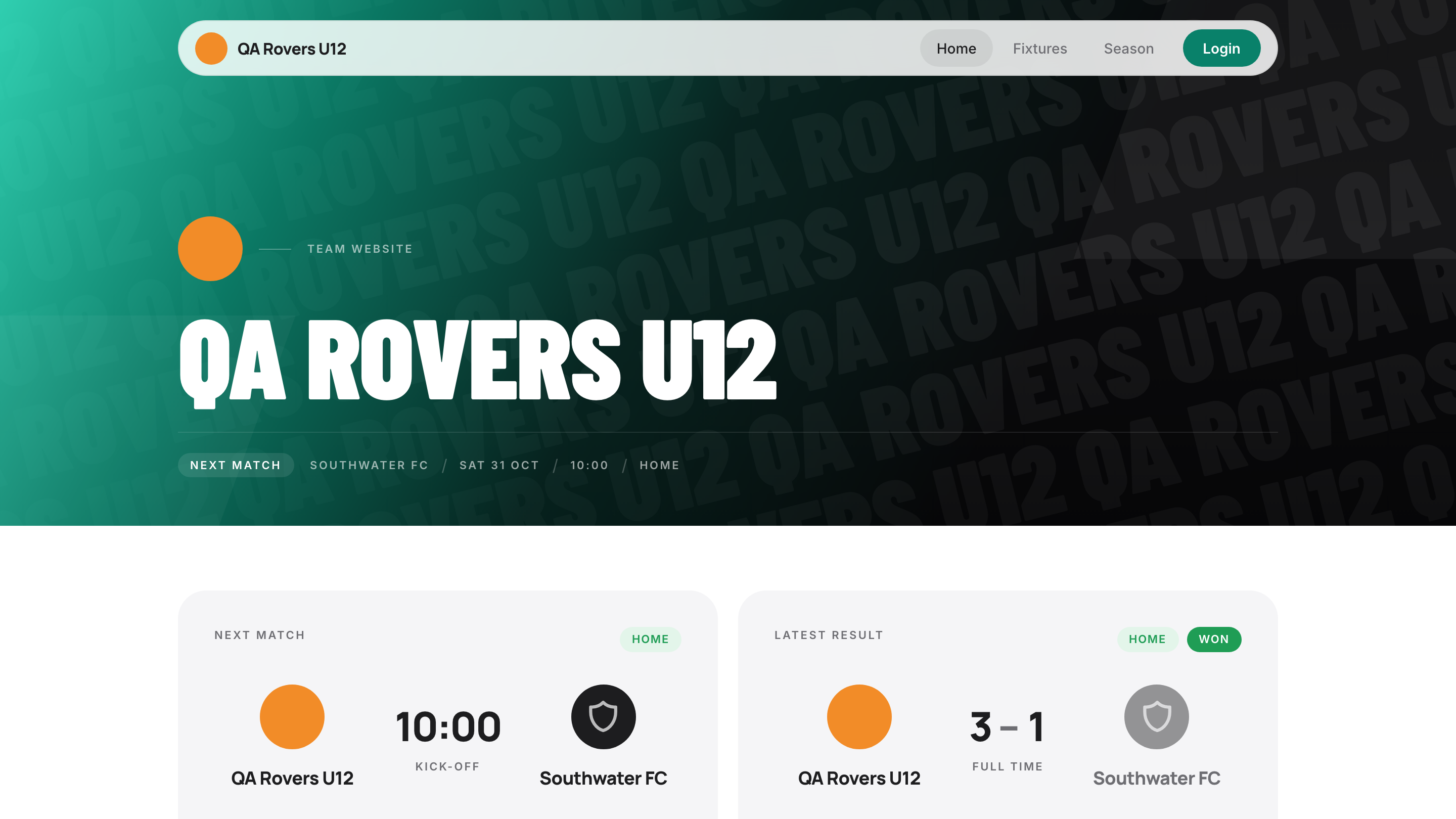
Your team gets a public page at its own web address, built from what you already record: fixtures, results and season stats. Switch it on under Admin and share the address; anyone can open it, no account needed.
Run your team from a laptopPRO
For staff
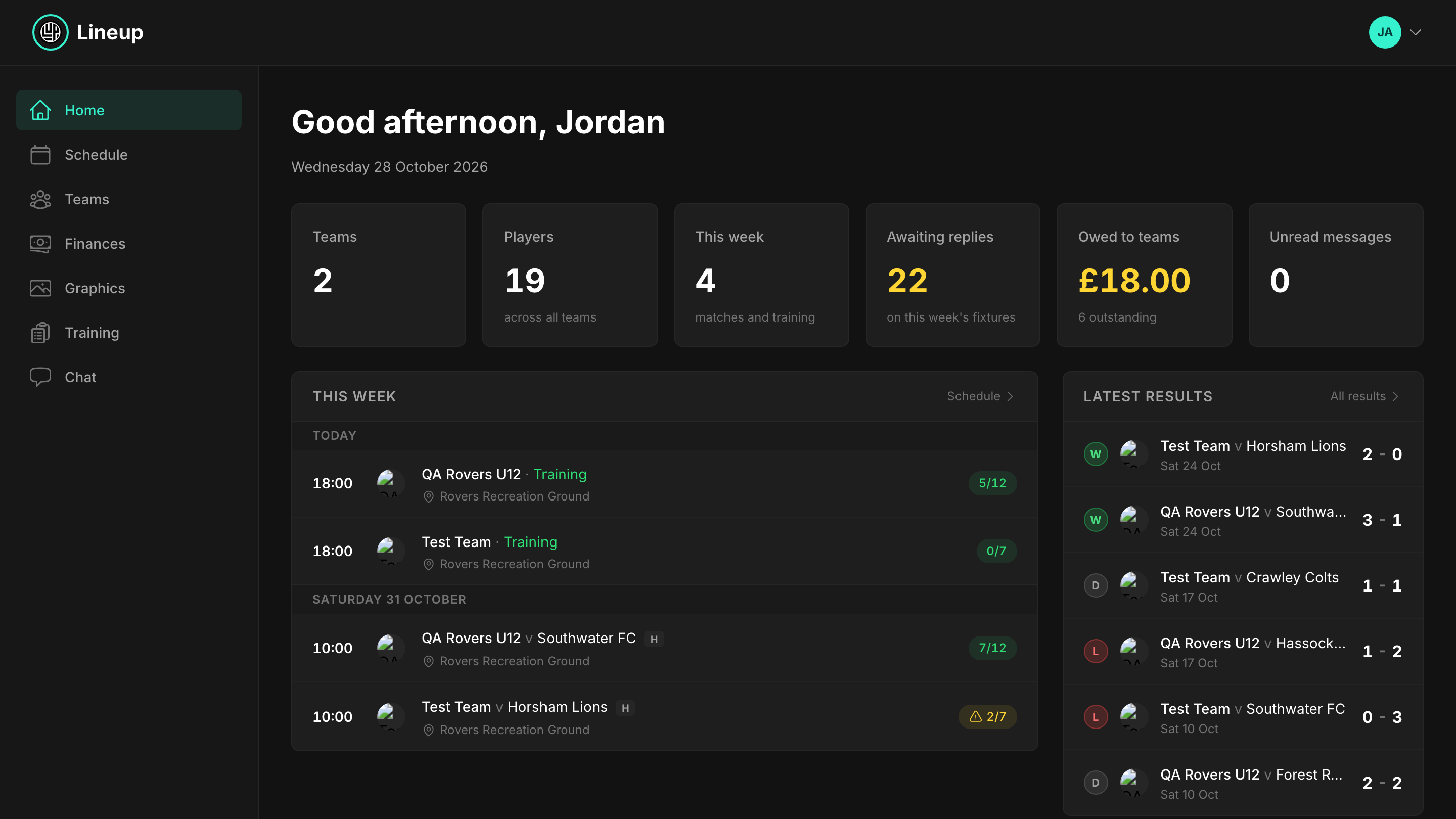
The web dashboard at lineupapp.net has the full app on a big screen: lineups, stats, graphics and chat. Sign in by scanning the QR code from the Teams tab.
Team colour
For staff
Set the team's colour in Edit Team and graphics and the website pick it up. Kits are set separately under the Team tab.