Fixtures
A match or training session: details, copying, sharing.
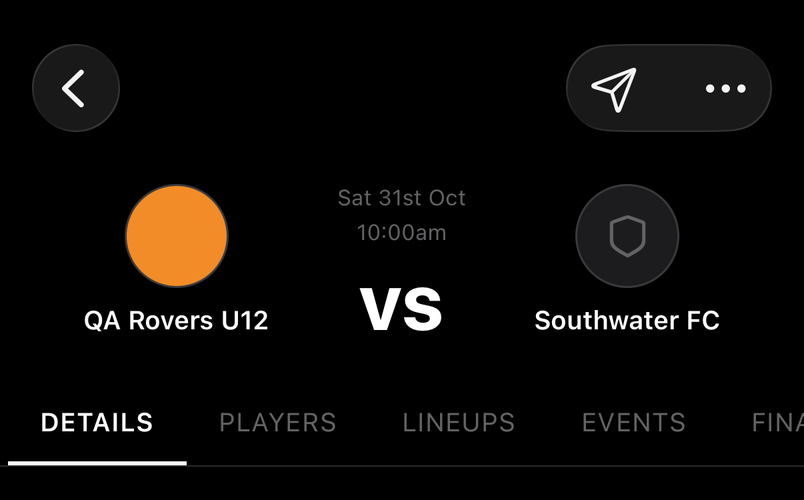
Details, Players, Lineups, Events and Chat run across the top. Staff edit the fixture from ⋯; everyone shares it from the send button.
How to
Fixtures with no date or time yet
For staff
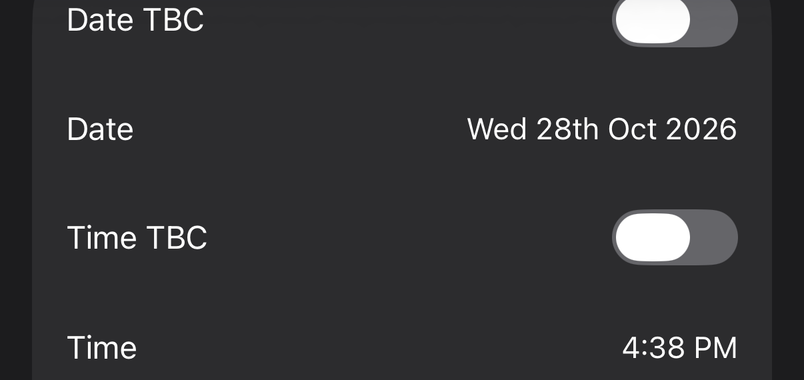
Create a fixture as TBC when the league hasn't confirmed it. It sits on the schedule without a date, players can still answer availability, and you fill in the details when they come through.
Copy a fixture
For staff
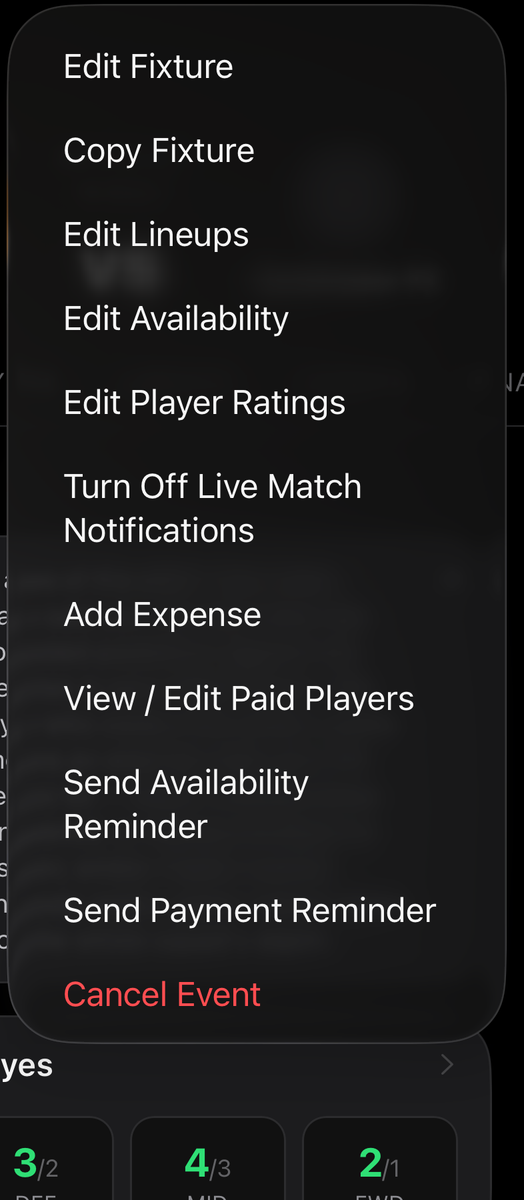
Copy Fixture in the ⋯ menu makes a new fixture from this one: same opponent, venue and settings, new date. Use a Previous Fixture on the New Event form does the same from a list.
Not every fixture is for everyone
For staff
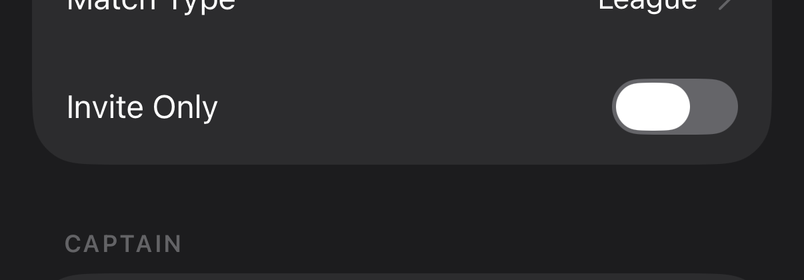
Switch on Invite Only when you create a fixture and pick who's in. Players who aren't invited, and their parents, don't see it on the schedule or get reminders.
A trial match, a training-only group or a small-sided friendly stays with the right people. Everyone else's schedule carries on as if it isn't there.
Coaches have availability too
For staff
Switch on Coaches Availability on a fixture and your staff answer alongside the players, so you know who's on the touchline before match day.
Share a fixture
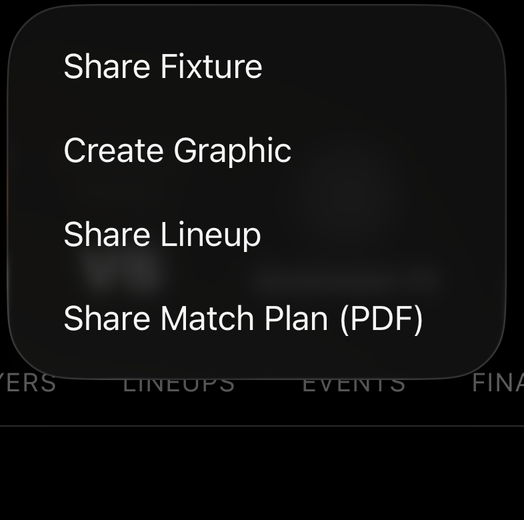
The send button shares the fixture as a link, or posts it into a team chat as a card the team can tap to open.
Common questions
Which time zone are fixture times in?
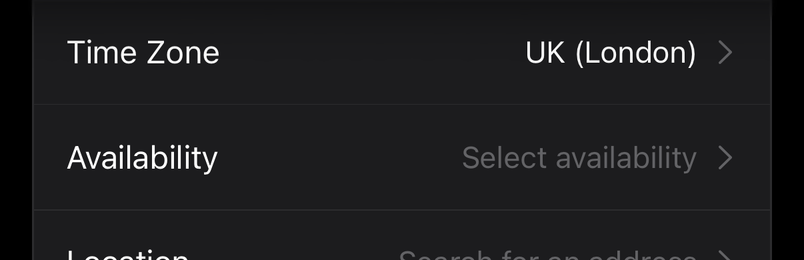
The team's. Times are shown on the team's clock wherever you are, so a 10:30 kick-off reads 10:30 for everyone on the team.