Chat
Team chats, polls, attachments and parents watching on.
A chat for the team, one for each fixture, and groups you make yourself. Attach a fixture or lineup, post a poll, or record a voice note.
How to
Ask the whole team in one go
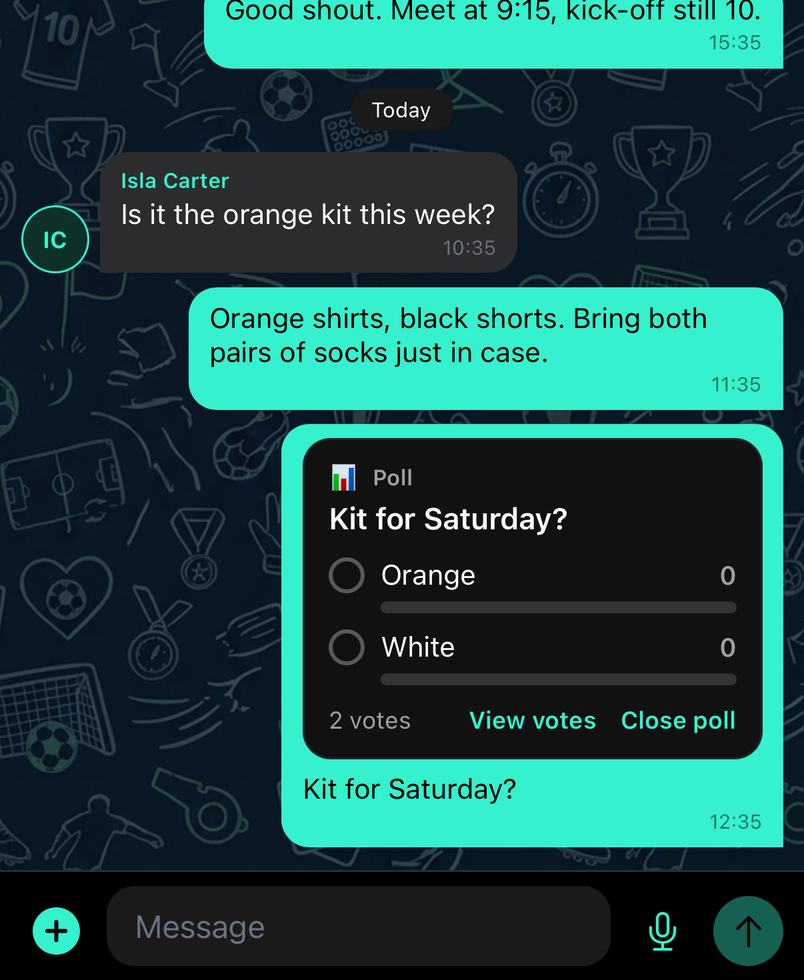
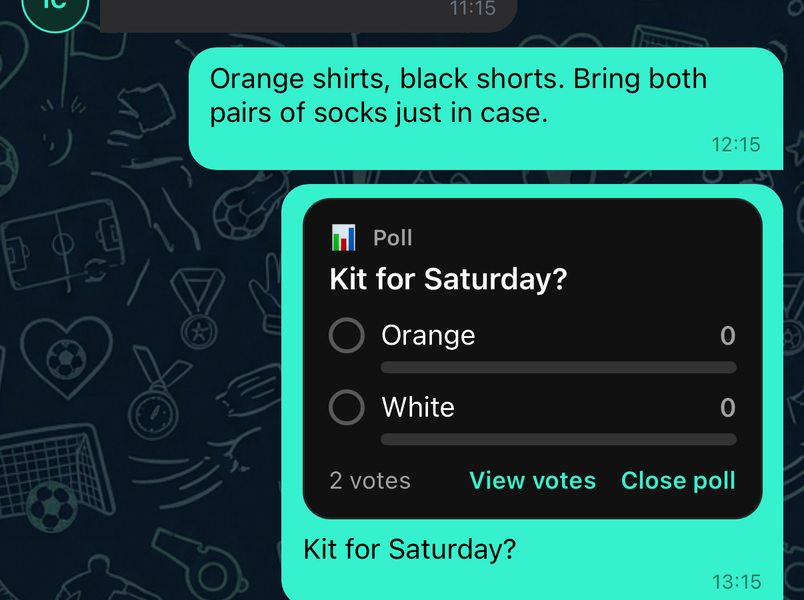
Post a poll in the team chat, kick-off time, kit colour, who's driving, and watch the votes come in without a thread of replies.
Voice notes
Tap the microphone in any chat to record a voice note. Quicker than typing from the touchline, and parents can listen when it suits them.

React, reply, edit or delete a message
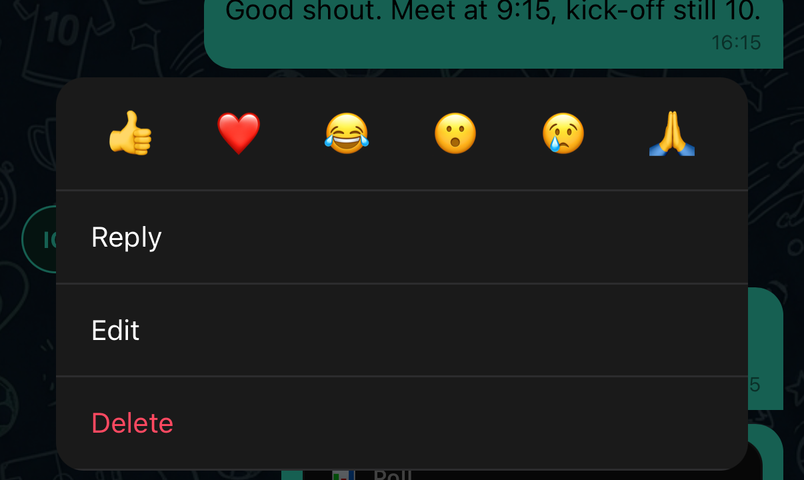
Press and hold a message. Pick an emoji to react, or choose Reply, Copy, Edit or Delete for your own messages, and Report for anyone's.
A reply quotes the message above yours so the thread stays readable. Editing marks the message as edited; deleting removes it for everyone. Group admins can also delete other people's messages.
Common questions
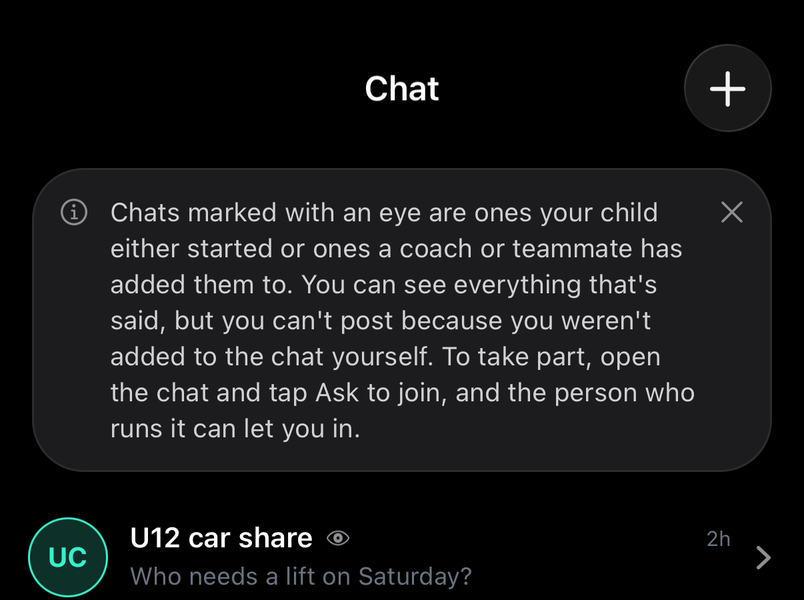
Why can I see a chat but not post in it?
For parents
Chats marked with an eye are ones your child started or was added to. You can read everything, but you can't post because you weren't added yourself. Open the chat and tap Ask to join, and the person who runs it can let you in.
Is chat safe for children?
Parents always see their child's chats. Anyone can report a message or a person from a long-press, and admins can remove members from a group.