Stats and leaderboards
Where the numbers come from.
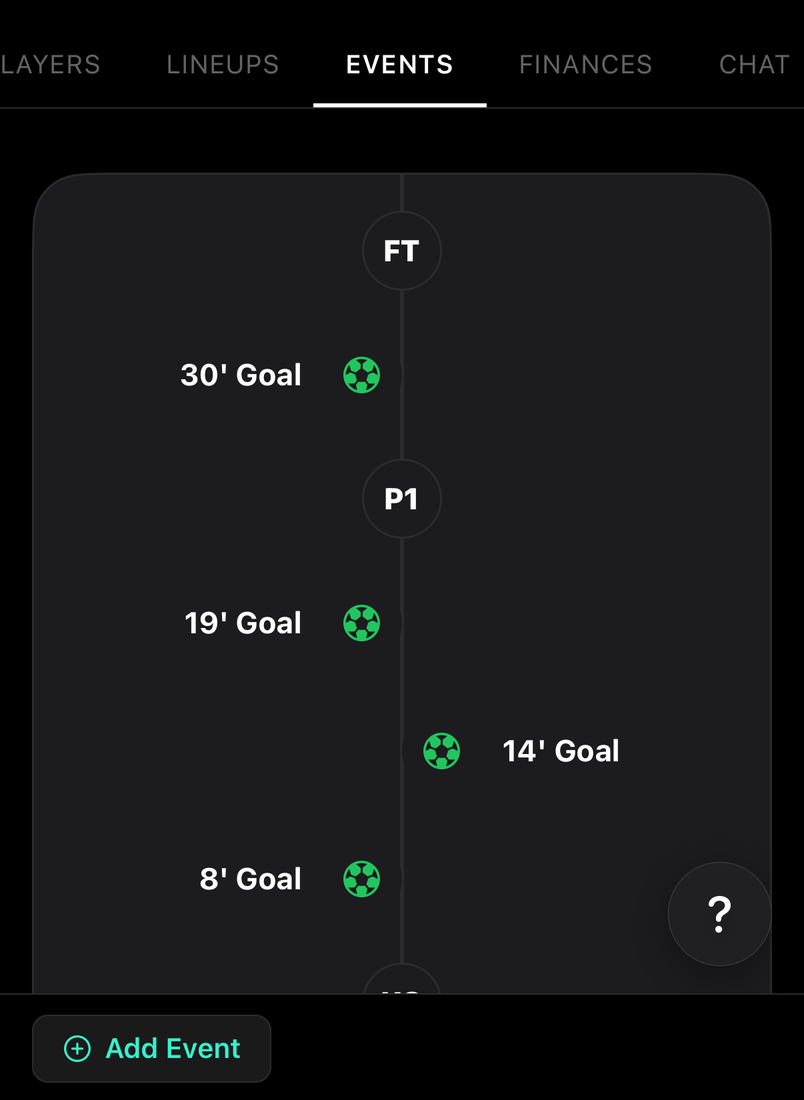
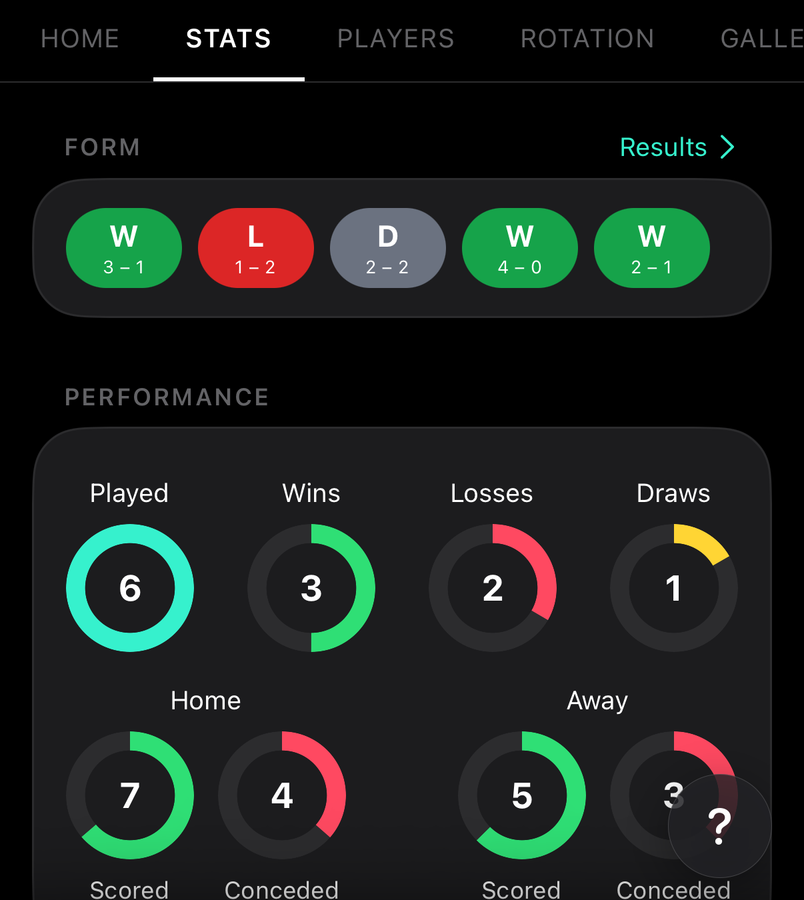
Results, goals, assists, cards, appearances, starts, each player's win–draw–loss record and clean sheets are built from the events logged on each fixture for the selected season.
How to
Rebuild stats
For staff
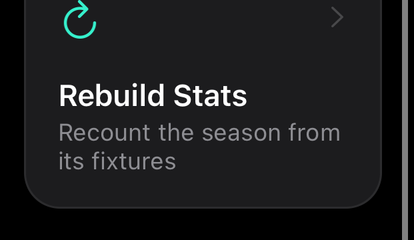
Under the team's Admin tab, tap Rebuild Stats. The season's team and player stats are recounted from its fixtures; player ratings are kept.
Stats are kept as running totals that update with every event, which is right almost all of the time. A rebuild is the repair when they have drifted, such as a full time recorded twice or a match finished on the web and the app at once. With All time selected, every season is recounted.
Common questions
League, cup and friendlies
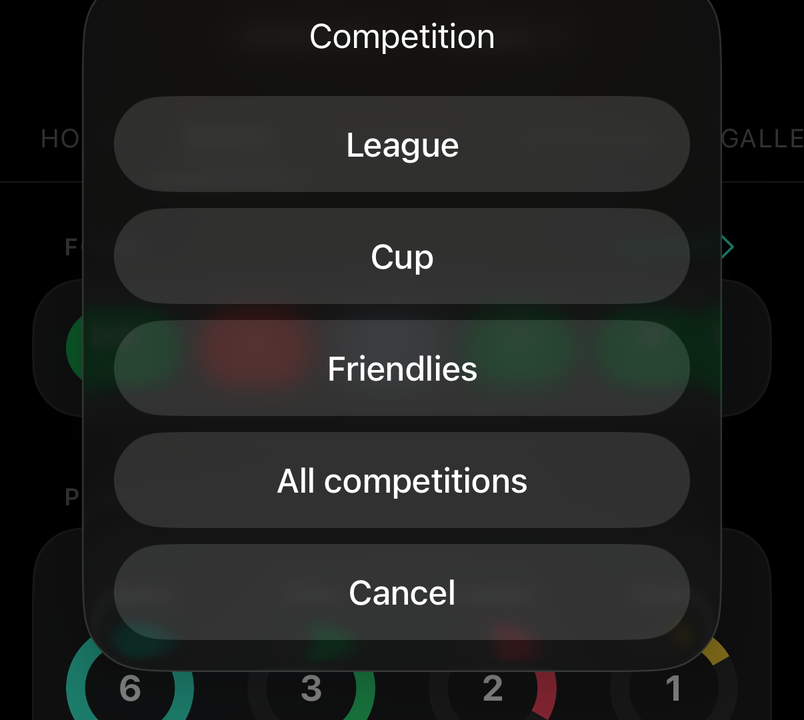
Stats show all competitions to start with. Each fixture's competition type (league, cup or friendly) also gives it its own bucket: tap All competitions beside the season at the top of Stats, or on a player's profile, and pick one to see it on its own.
A result or goal is missing
For staff
First check the competition beside the season: a cup tie or friendly is hidden while it's set to League. Then open the fixture's Events tab. A match counts once it has been ended, and a goal counts once it's logged against a player. Fix the event and the stats follow.
If the numbers still look wrong after the events are right, use Rebuild Stats under the team's Admin tab: it recounts the season from its fixtures.