In the app
Staff, roles and settings
Who runs the team and what each role can do.
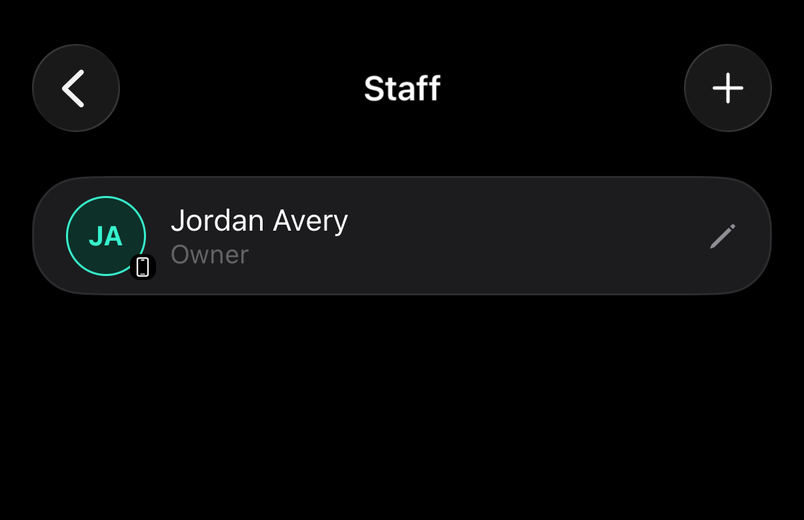
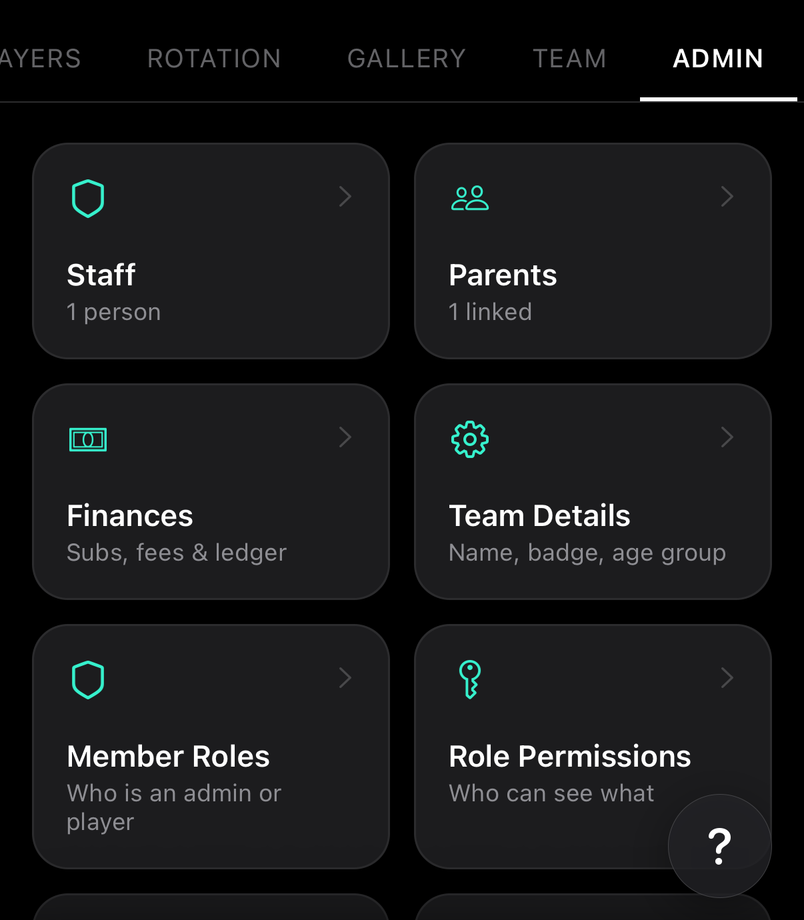
Staff are the admins and managers. Edit Roles says what each member does; Edit Permissions says what each role can see; Edit Membership says who's on the team at all.
How to
Share the running of the team
For staff
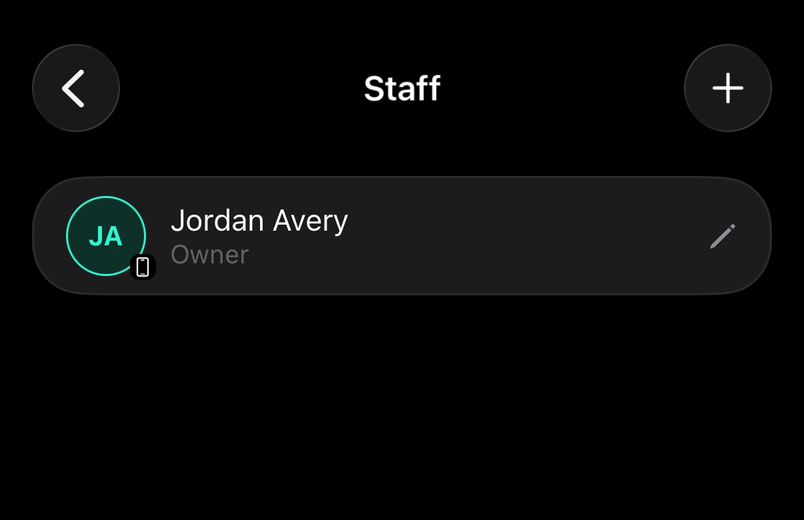
Make a coach or manager an admin under Staff and they can run availability, matches and the roster alongside you, while the team stays yours.
Common questions
Roles, permissions and membership
For staff
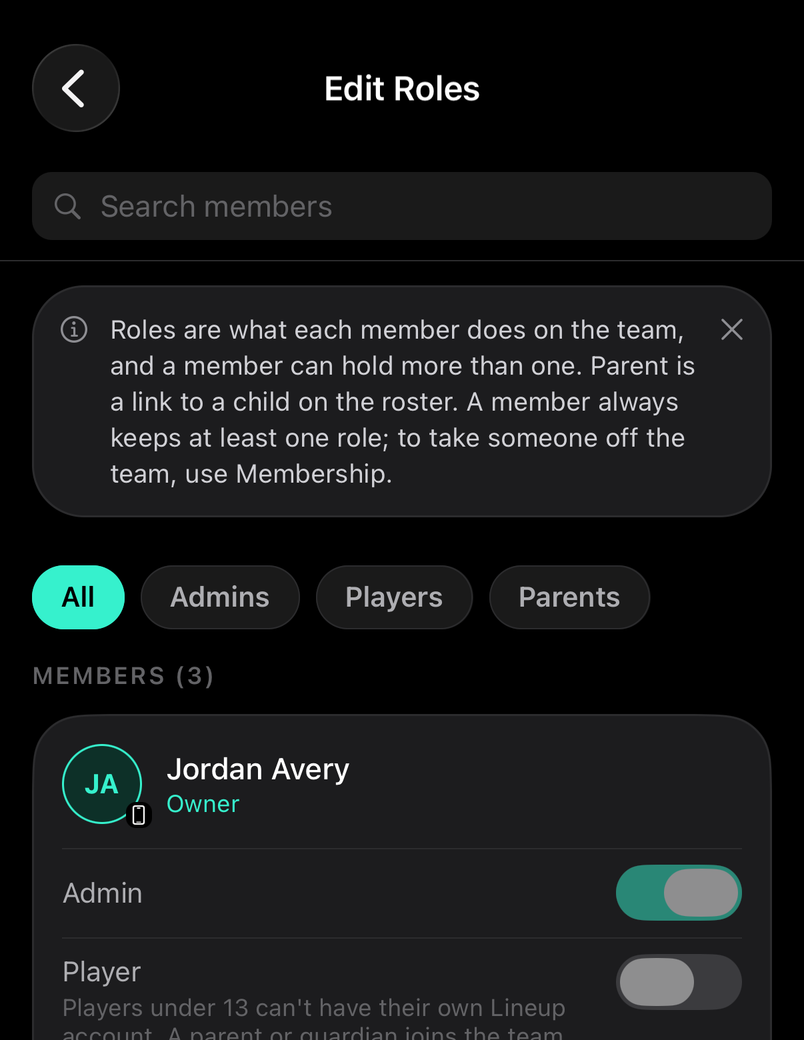
Roles are what each member does, and a member can hold more than one; Parent is a link to a child on the roster. Permissions decide what each role can see. Removing someone under Membership takes away every role they hold.
Can the owner leave the team?
For staff
No. The owner is the account the team belongs to. Hand the team to another admin first, or delete the team if it's finished with.