Availability and the squad
Who can play, reply-bys, reserves and the match-day squad.
Who's in, who can't make it and who hasn't said. Players and parents answer from the Availability card on the fixture's Details tab; staff can answer for anyone from Edit Availability here.
How to
Say whether you can play
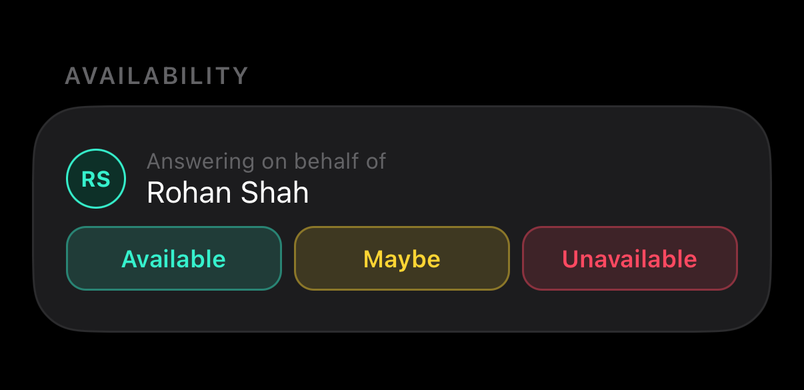
Open the fixture: the Availability card at the top of its Details tab has Available, Maybe and Unavailable. Tap one.
A parent answers for each child from the same card. You can change your answer any time before the fixture; the coach sees the change straight away. Edit Availability on the Players tab is for staff.
Set availability for several players at once
For staff
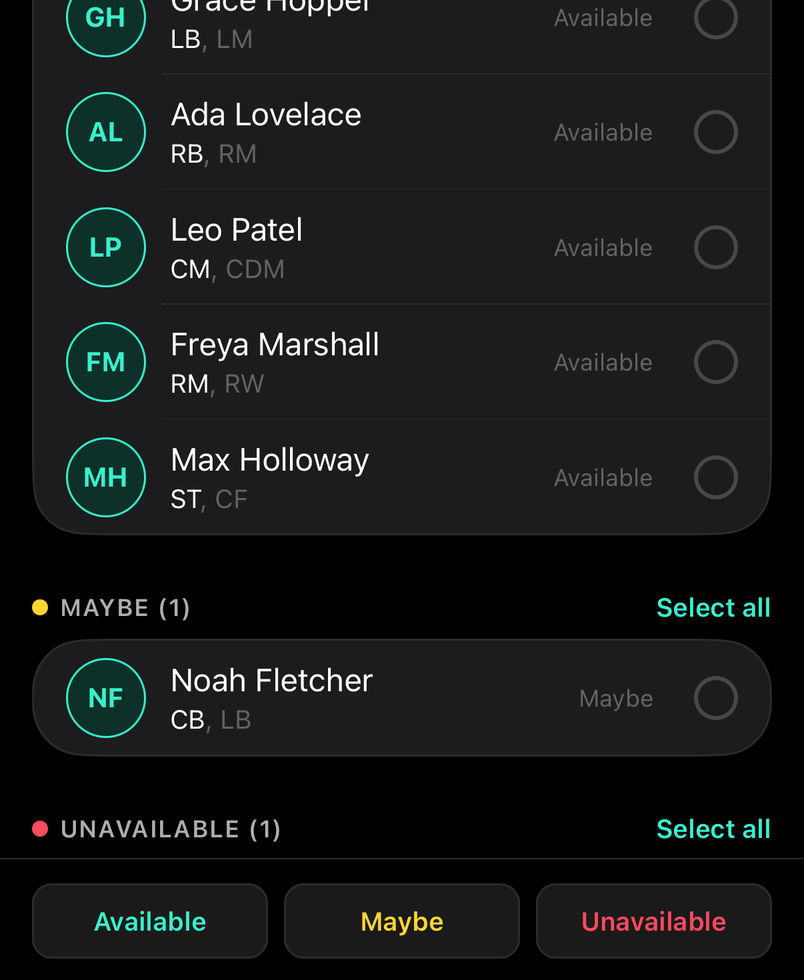
On Edit Availability, tap players to select them, then tap Available, Maybe or Unavailable to update them all in one go.
Common questions
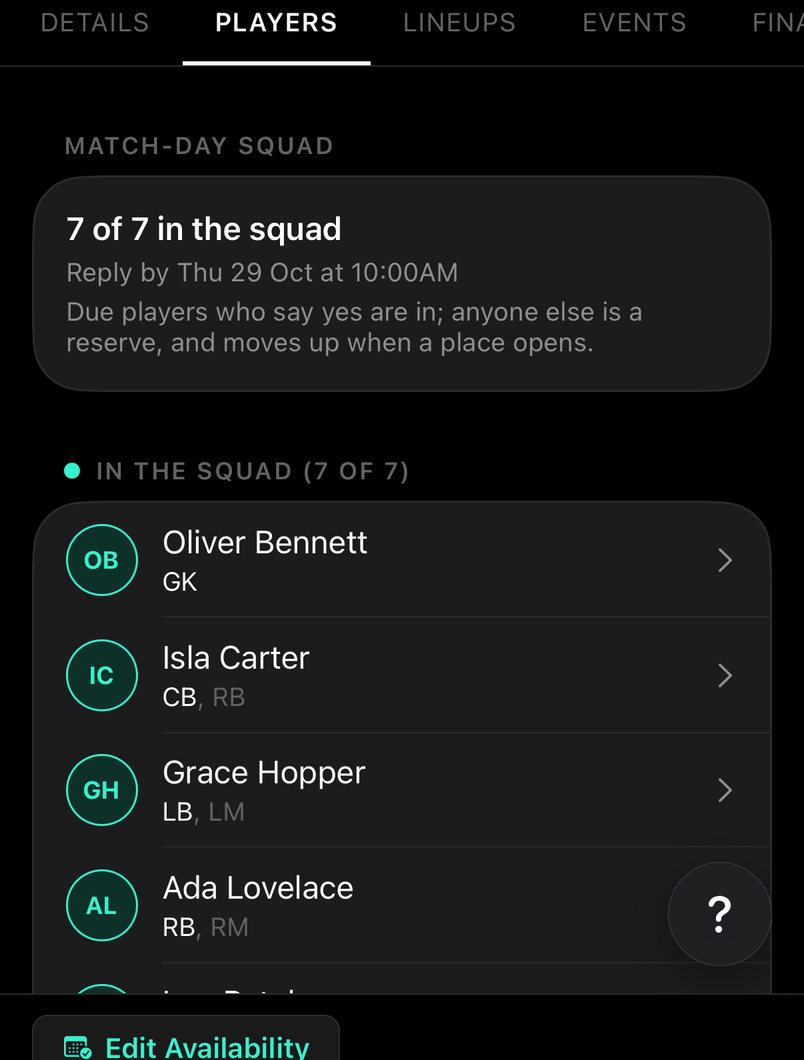
What does the Match-day Squad card mean?
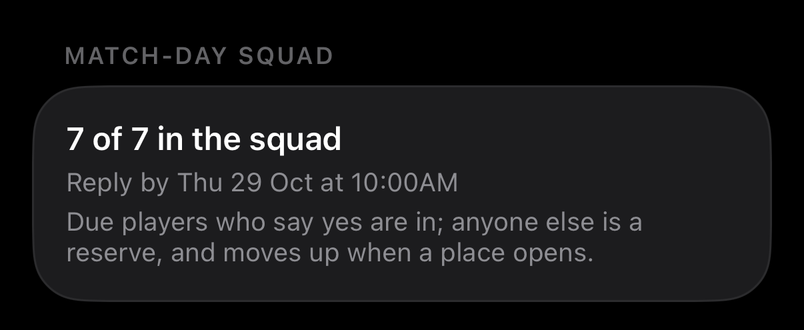
On a rotated match, how full the squad is and the reply-by. Players and parents also see where they, or their child, stand: in the squad, due to play, a reserve, or not due this week.
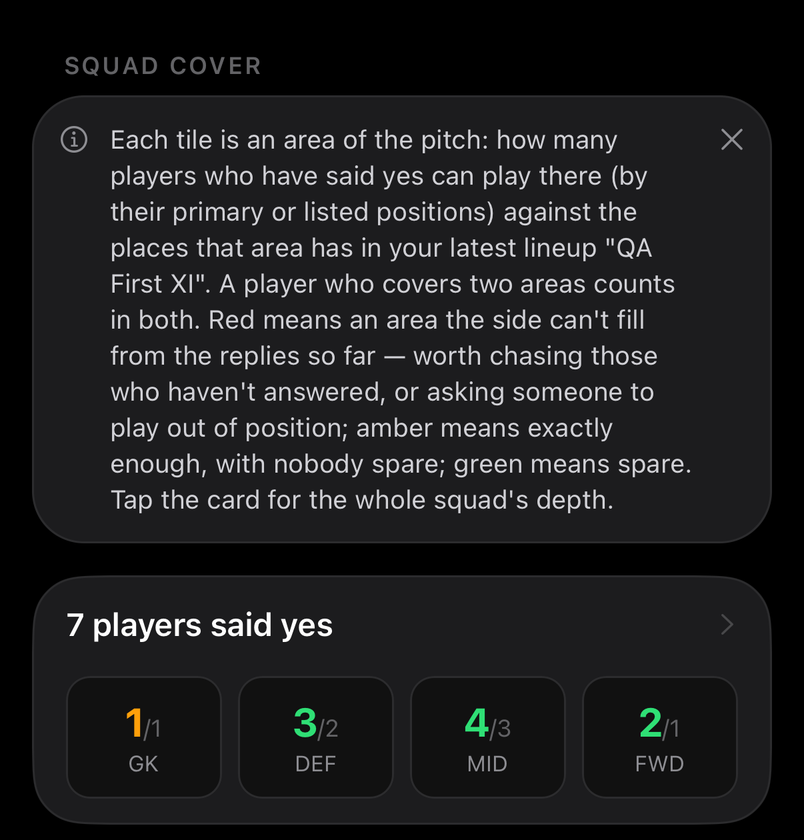
What is Squad Cover?
For staff
Each tile is an area of the pitch: how many players who have said yes can play there, against the places that area has in your shape. Red means the side can't fill it from the replies so far; amber exactly enough; green spare.
A player who covers two areas, by a primary or a listed position, counts in both. Red is worth chasing those who haven't answered, or asking someone to play out of position. Tap the card for the whole squad's depth.