Graphics
Match-day posters: the editor, its tabs and exporting.
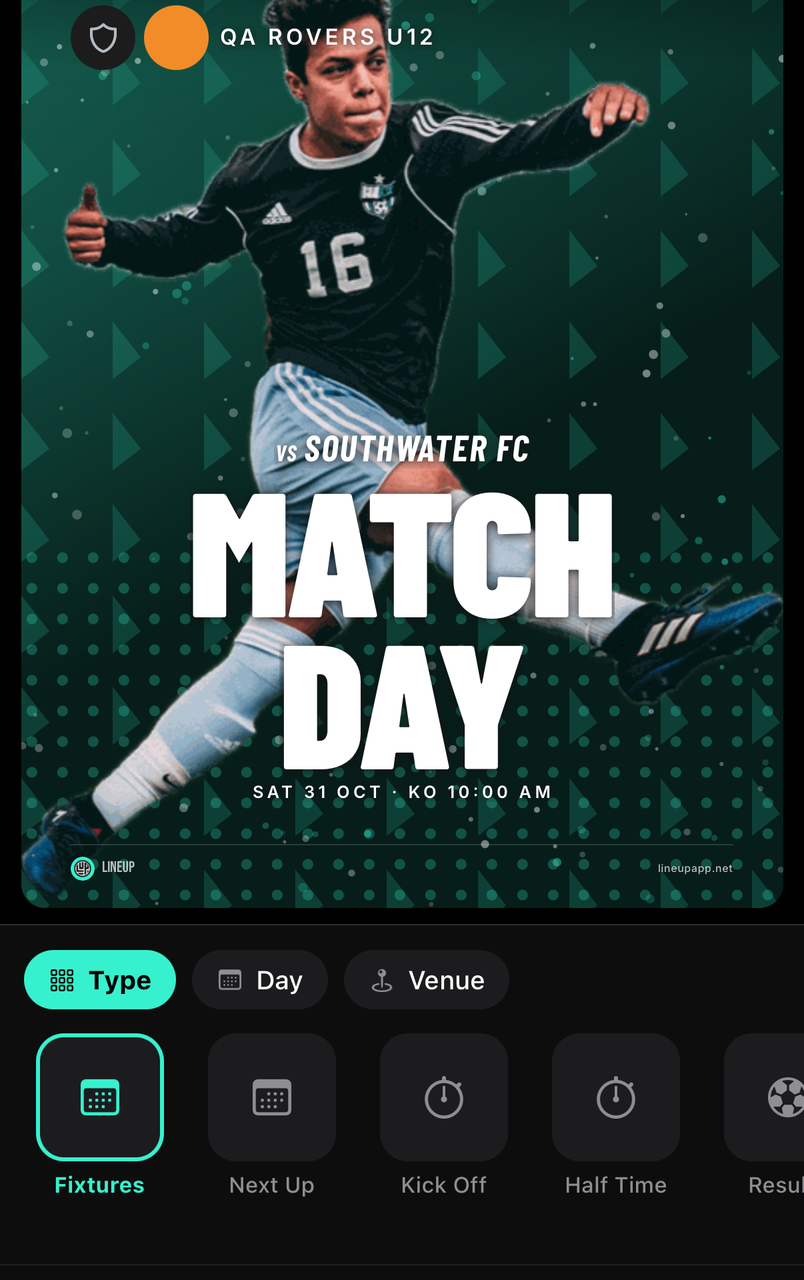
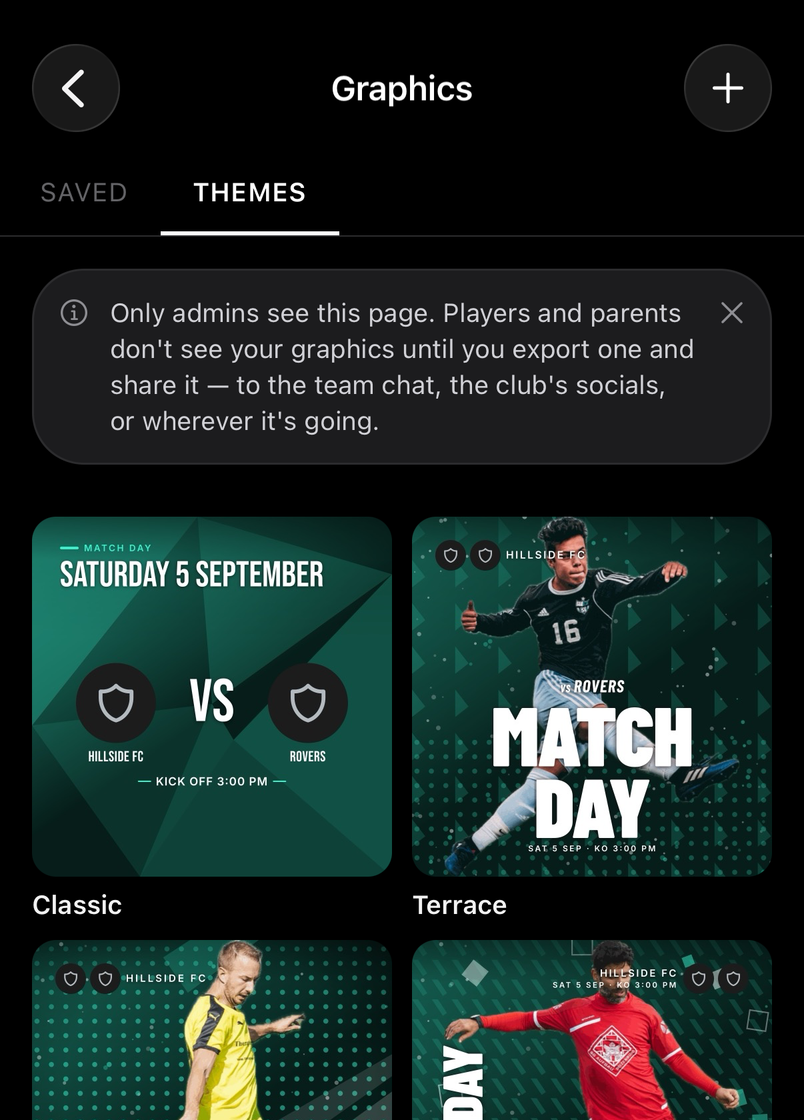
Fixture announcements, results, player and squad posters in the team's colours, ready for the club's socials. Open Graphics under the team: Saved holds what you've made, Themes is where a new one starts, and + creates one.
Only admins see the Graphics page. Players and parents see a graphic once you export it and share it, to the team chat, the club's socials or wherever it's going.
How to
The Content tab: what the poster says
For staff
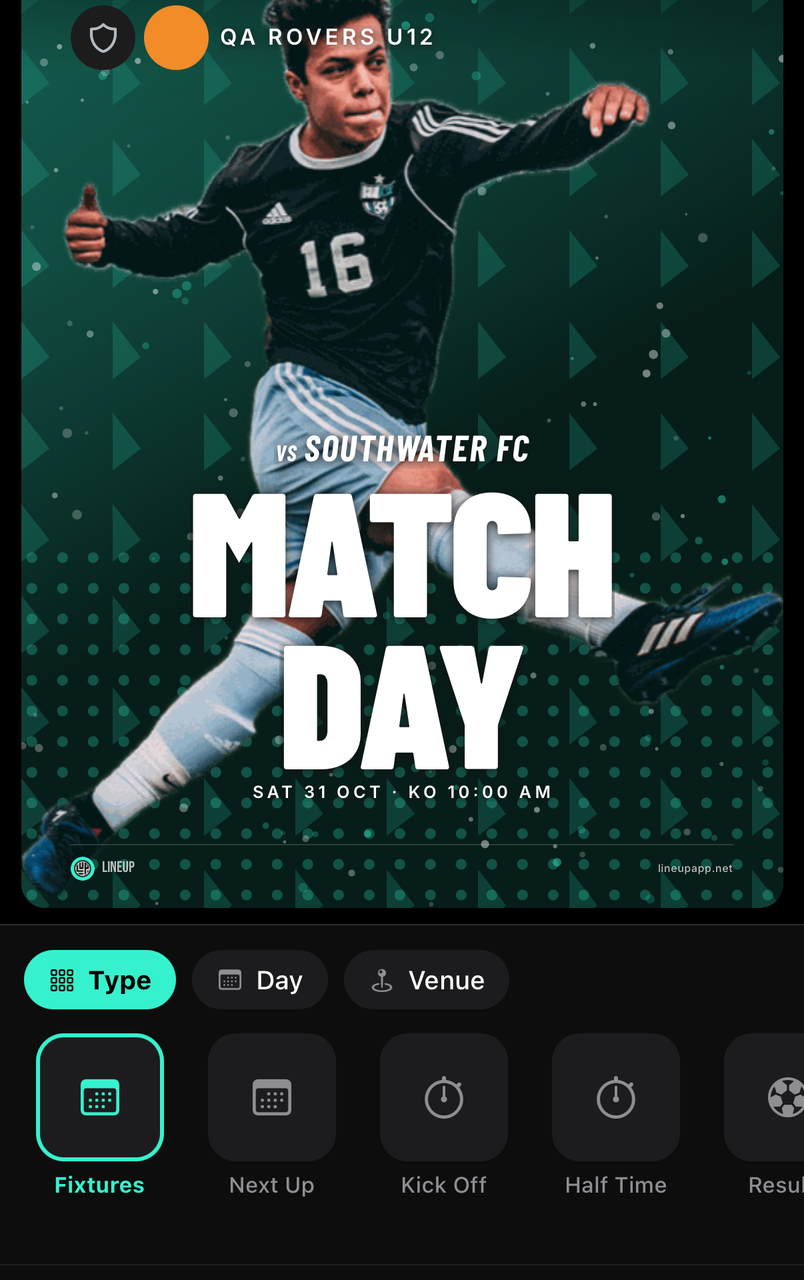
Content is the kind of poster, which day or match it's for, who is on it and how they're labelled. Its controls change with the type you pick.
- Type picks the kind of graphic; Day and Match pick the fixture, or the day's list of fixtures.
- Venue prints where an upcoming match is played; Details and POTM add the scorers and the player of the match under a result.
- Player, Callout, Players and Staff choose who appears on a player, squad or lineup poster, and Lineup picks which saved XI.
- Centre, Badge, Name and Align set how each player is drawn: photo, initials, number or position, which name format, and where the copy sits.
The Theme tab: the look
For staff
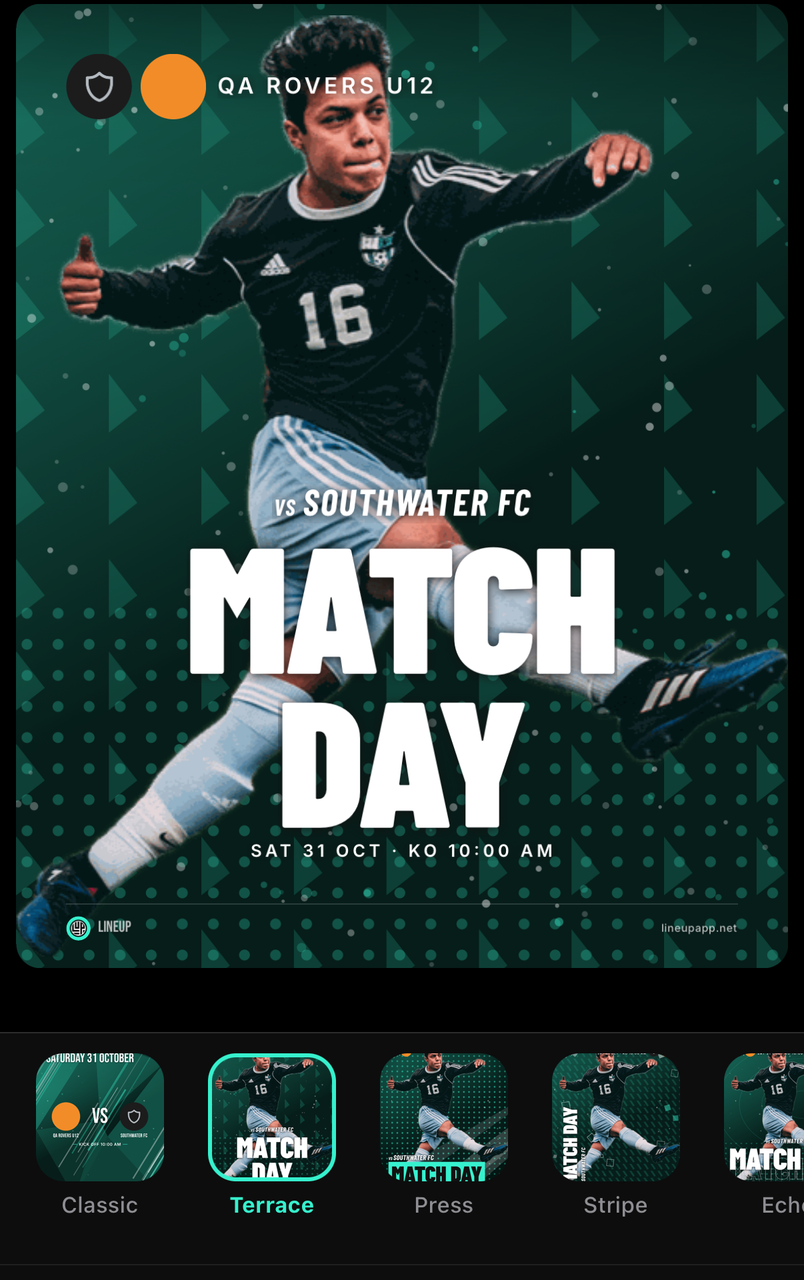
A theme decides the typography, layout and layering of the poster; everything else is chosen inside its rules. Themes like Classic and Terrace each draw the same content differently, so switch between them to compare.
The Colour tab
For staff
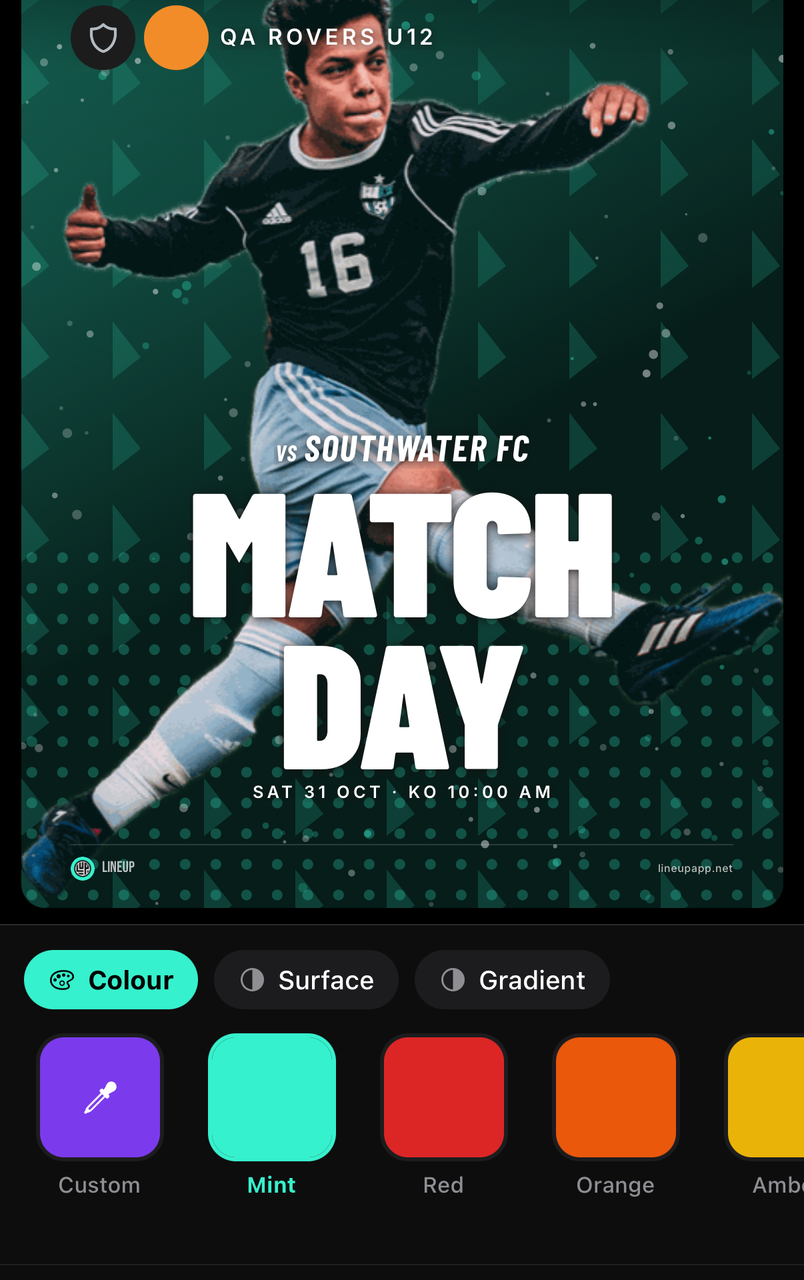
Colour starts from the team's colour and can be any you like; Surface sets the panel the content sits on; Gradient fades the background. Your kits and crest are drawn as they are.
The Artwork tab: photos and overlays
For staff
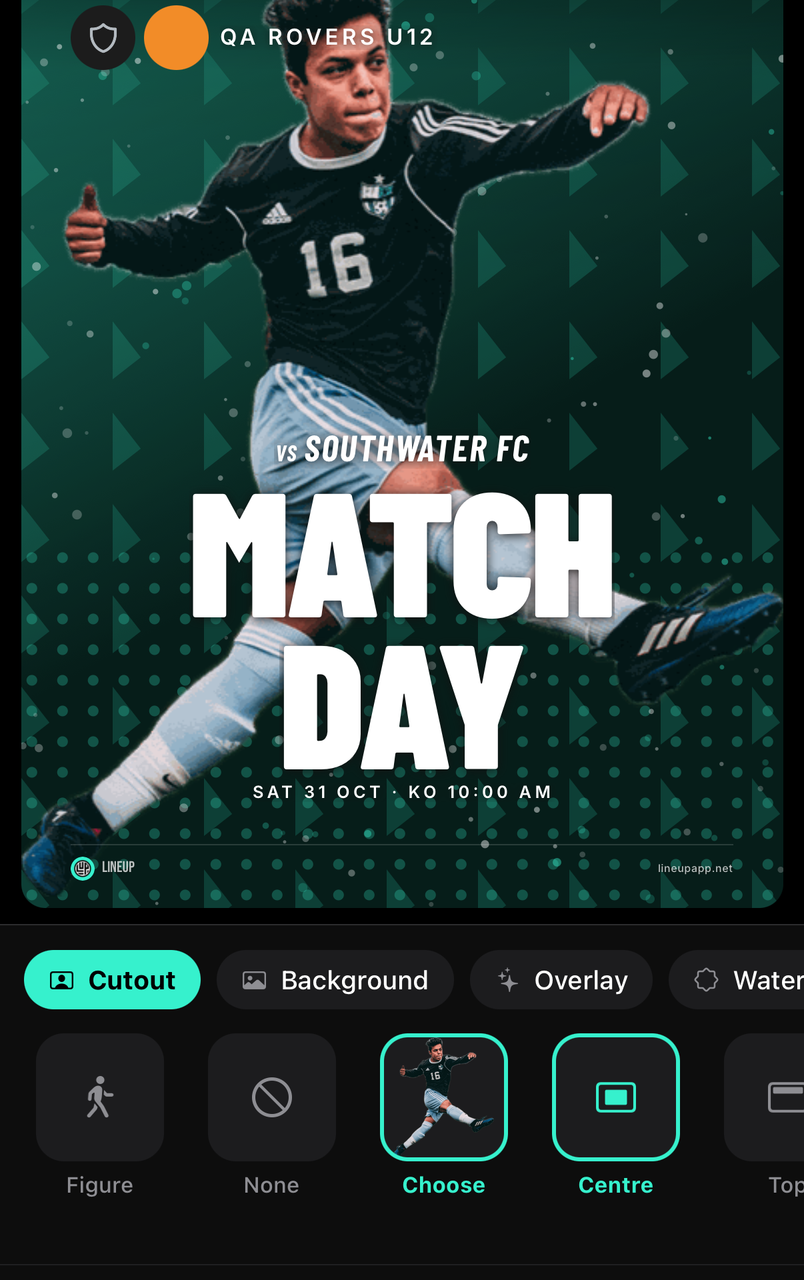
Cutout puts a player photo on the poster with the background removed; Background sets a photo behind everything; Overlay adds a texture or pattern over the top, with its own strength.
Which of these a theme offers depends on the theme: some are built around a cutout, some around a flat colour.
The Size tabPRO
For staff
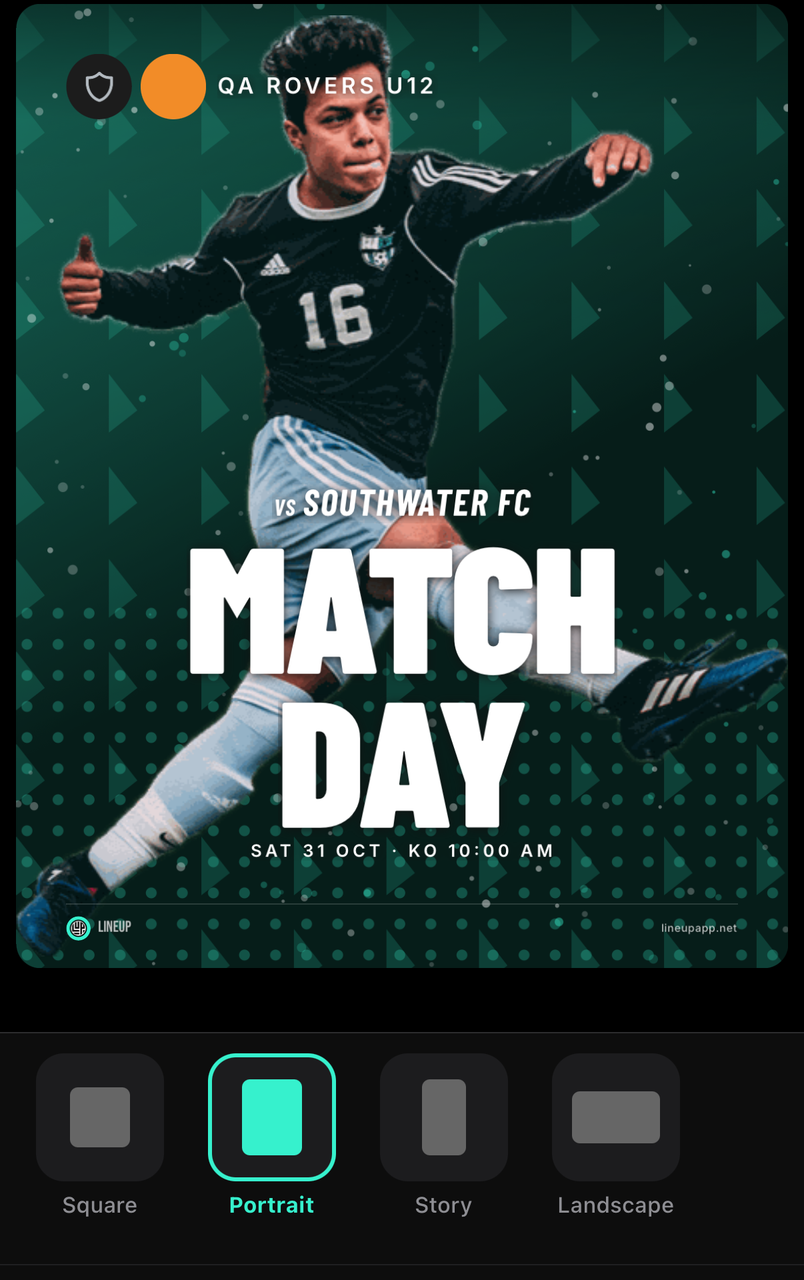
Size picks the shape of the file: square for a post, portrait for a story. The Lineup wordmark on the poster comes off for subscribers.
Export and share a graphic
For staff
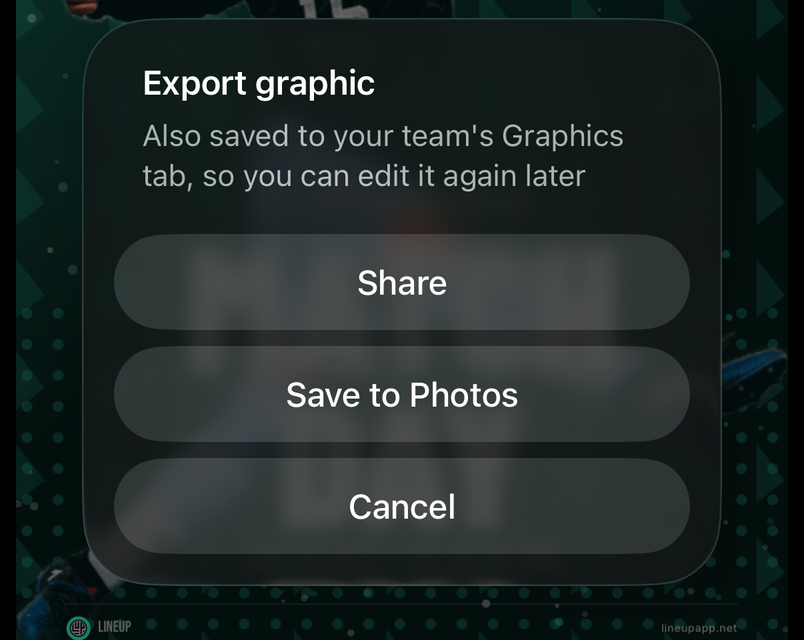
Tap Export: Share sends it anywhere, including straight into the team chat, and Save to Photos keeps it on your phone. Exported graphics are kept under Saved, so a result poster is a tap away next time.
Common questions
What kinds of graphic are there?
For staff
Match Day and Next Up for what's coming, Kick Off, Half Time and Full Time for the score as it happens, Player and Squad posters, a Lineup poster from a saved XI, a Quote, and a player's season Wrapped.
Pick the kind under the editor's Content tab, Type. A match graphic takes its opponent, date, score and venue from the fixture, so there is nothing to type.