Squad rotation
Sharing matches out fairly across a big squad.
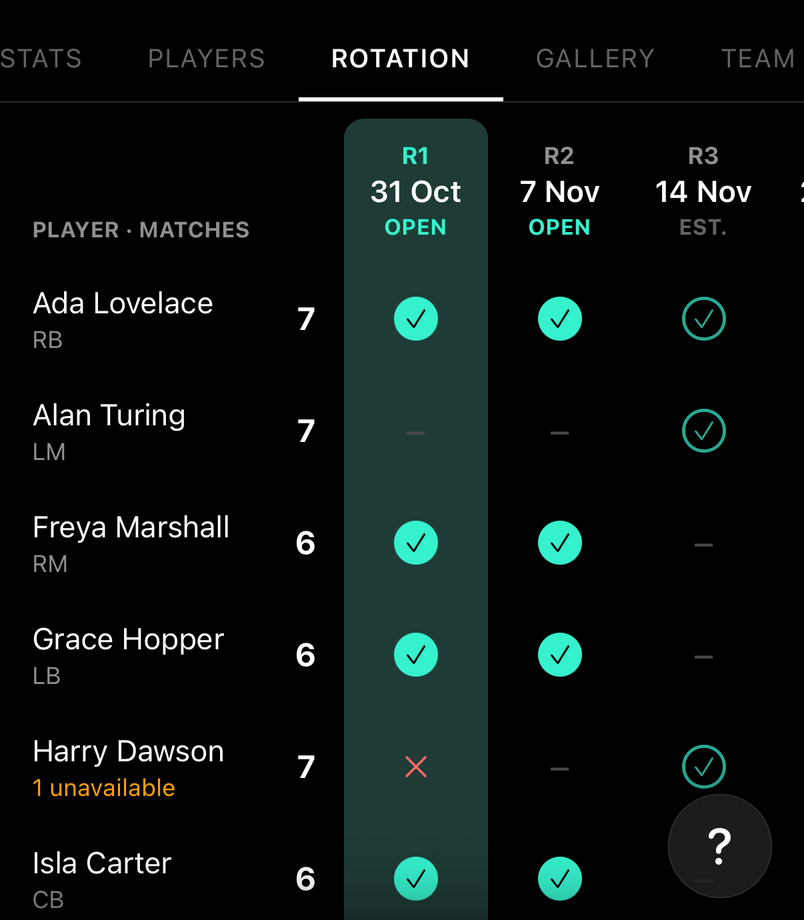
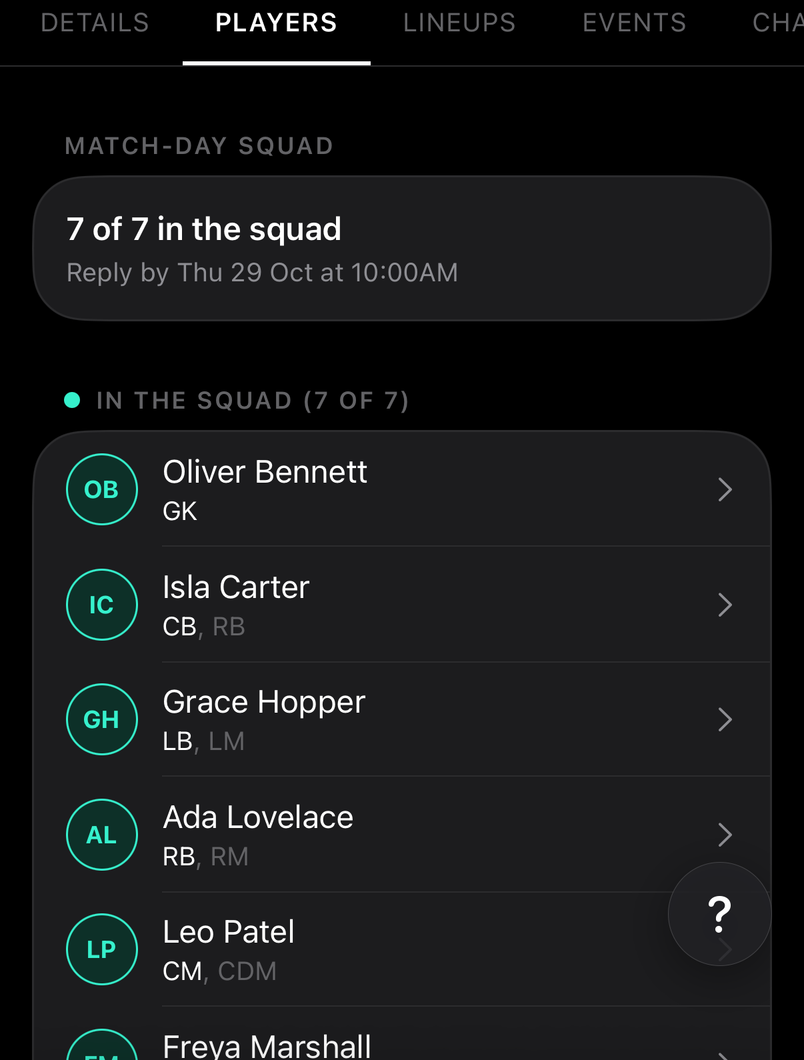
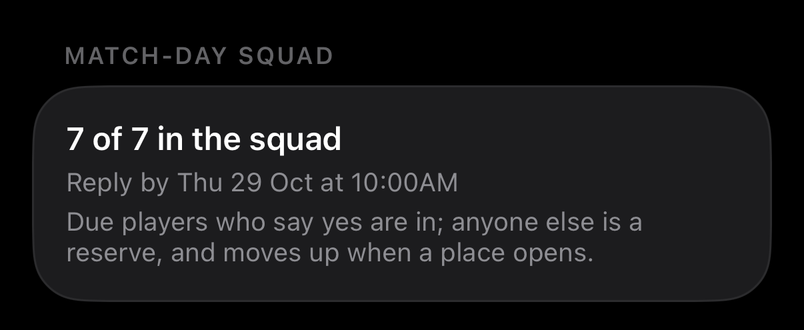
Each new match takes the next rotation (R1, R2…). Players due to play who say yes are in the squad; anyone else who says yes is a reserve, and moves up when a place opens.
The rotations rebalance as availability changes, so everyone ends up with the same number of matches. Solid ticks are matches already set up; outlined ones are the plan.
How to
Keep your place, or be a reserve
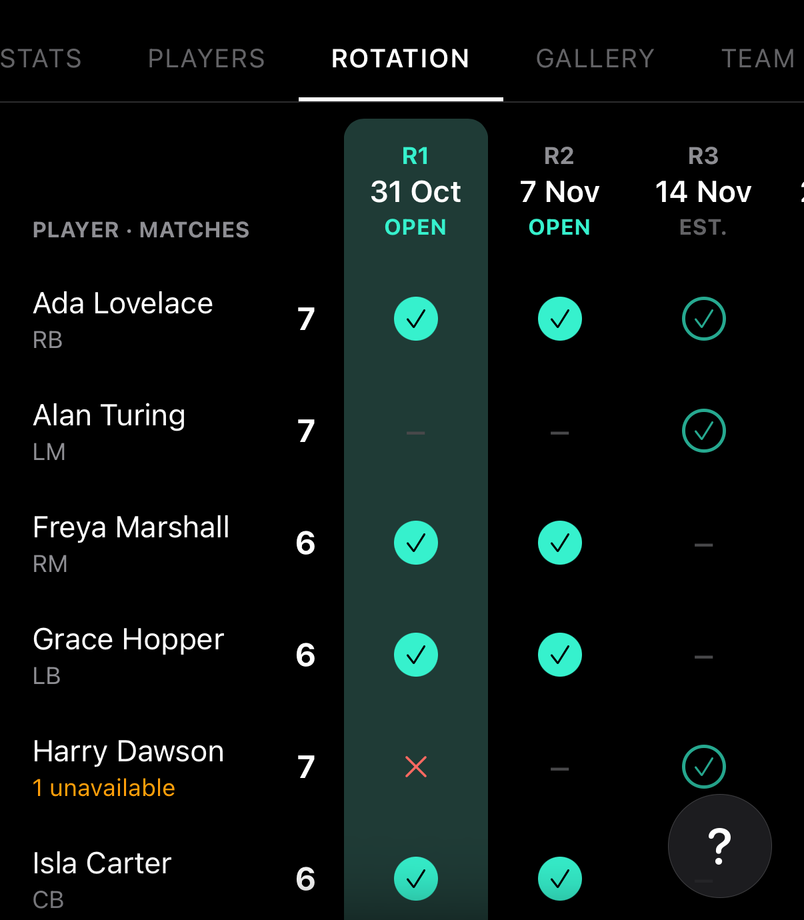
If you're due, say yes to keep your place. If you're not, say yes anyway to be a reserve: you move up if a place opens.
Orange under a name means fewer matches through their own availability, not the rotation.
Change a rotation
For staff
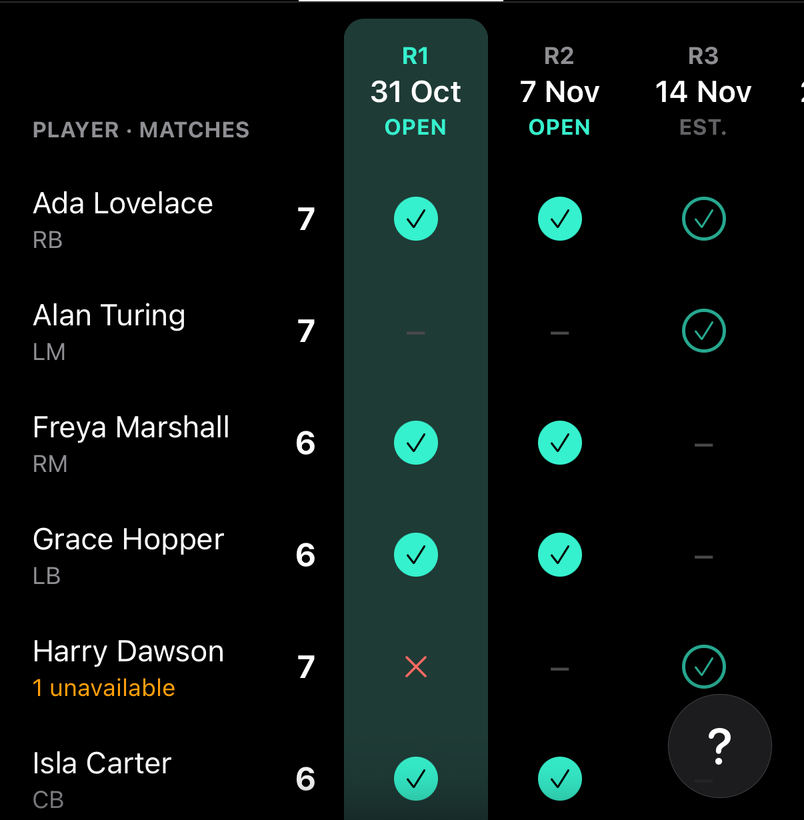
Tap a tick on an Est. rotation to swap someone in or out; tap a match to manage its squad. Reset to Calculated clears your changes and the fair pick takes over.
Common questions
What happens at the reply-by?
A due player who hasn't said yes by the reply-by loses the place to the best reserve. Replies then close, and the squad is what it is unless staff change it.
Why do some players get more matches?
For staff
Places are shared by position group, so a week never loses all its defenders. A keeper is named every match when the keeper rule is on, and a player away for a period keeps their share for when they're back.
Each group earns its share of the outfield places from the players who can actually play that week. Ticking extra positions on a player gives the side cover when an area is short; it doesn't change their group.