Players and parents
The roster, guests, children and who answers for whom.
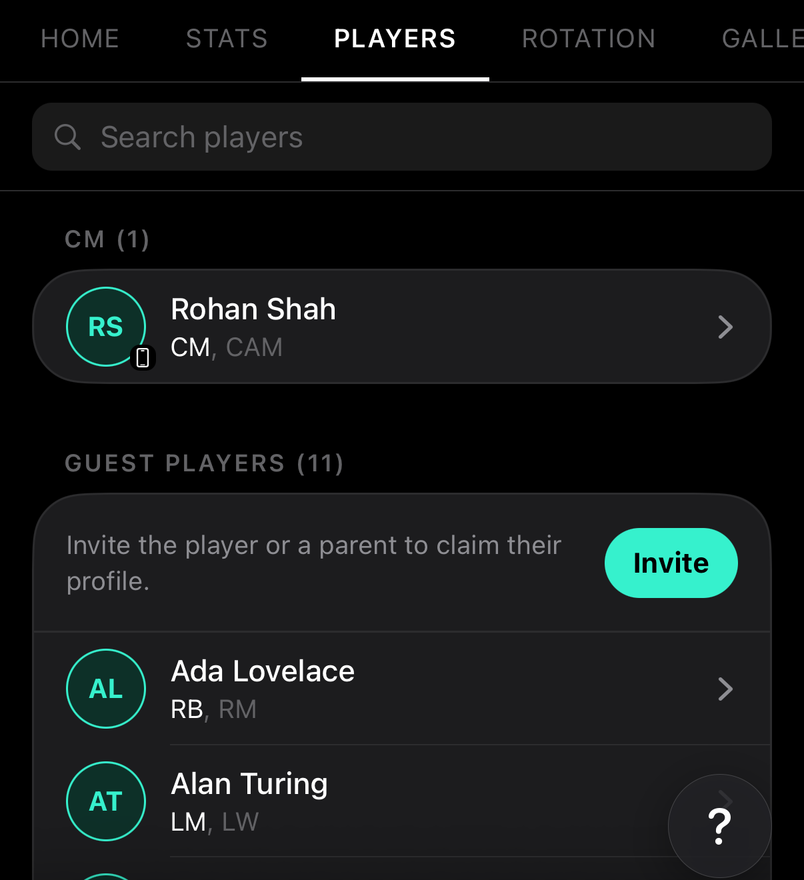
Everyone on the team, grouped by position. Tap a player for their profile, stats, development and reports.
How to
Add your child to a team
For parents
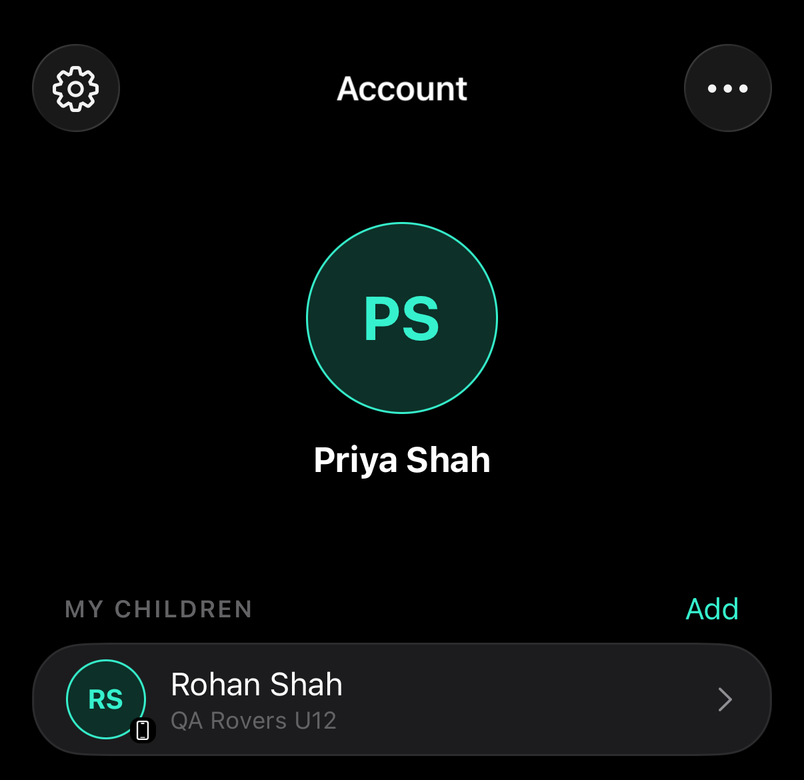
Join with the team's code, choose Parent, and pick or add your child. If the coach already added them as a guest, pick that name and the record becomes theirs.
Players who've left, or train only
For staff
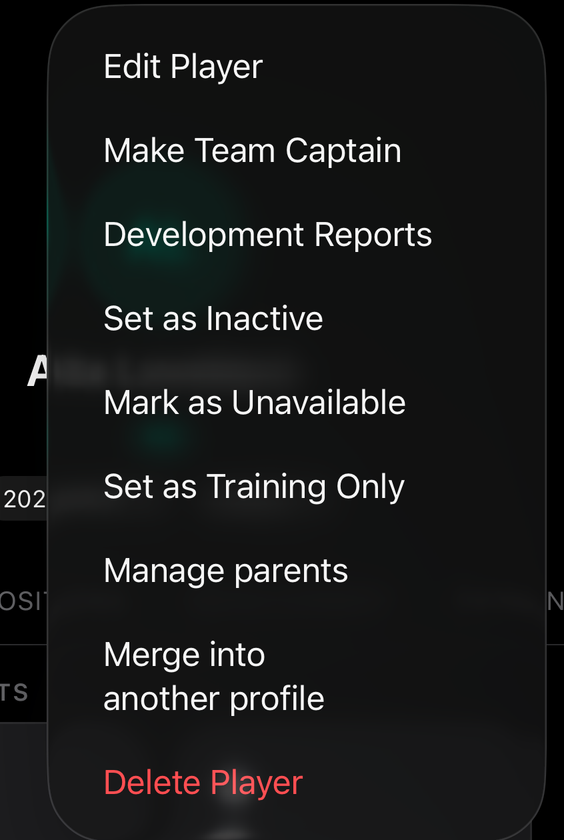
Mark a player who's left inactive and they drop out of availability and lineups but keep their stats. Injured or away for a while? Use Injured or Away on their profile instead: they stay on the squad and are owed the matches they miss. Training Only keeps them in sessions and out of match squads.
Development reports that follow the player
For staff
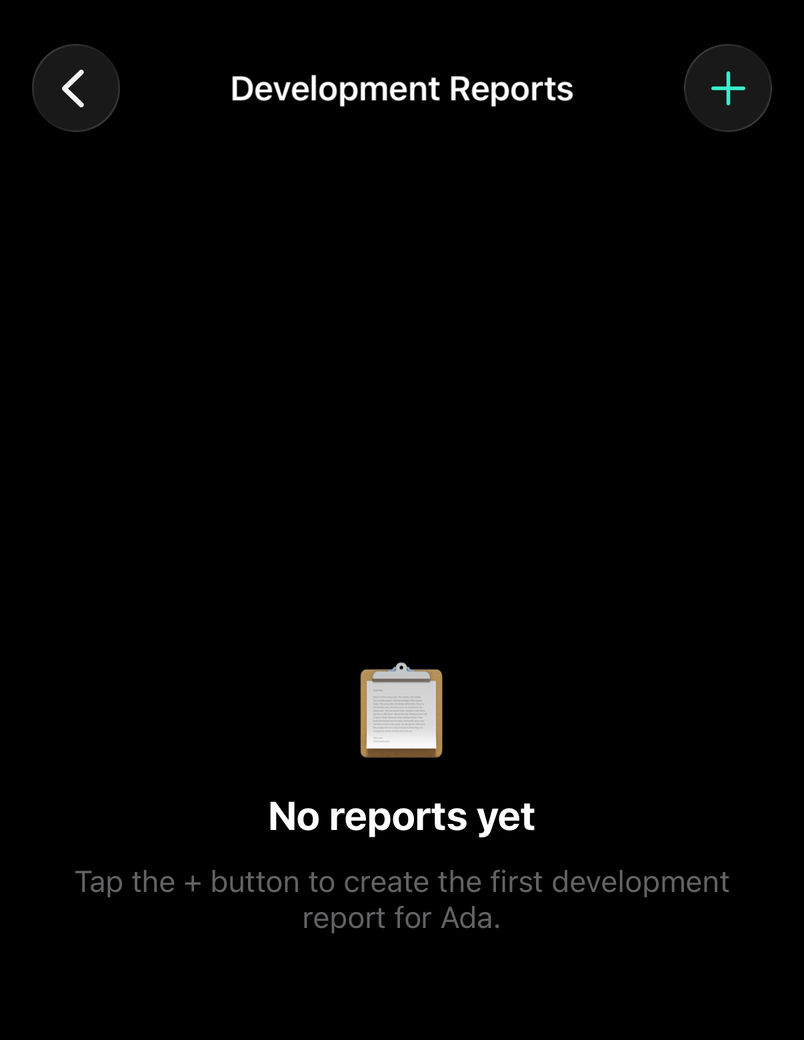
Write a development report on a player's page for the coaching staff. Reports stay with the player, so the history builds up season by season.
Common questions
Players and parents join free
For staff
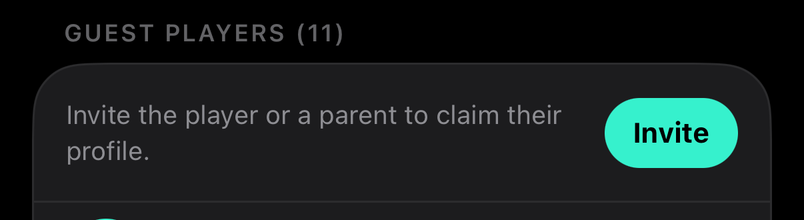
Anyone who joins with your team joining code (players, parents, coaches) is free. The free plan's limit of 11 is only for guest players: players you add yourself for people without a Lineup account.
A new team has 14 days with the whole squad unlocked. Guests you add are still there afterwards; claimed guests, where a real account has taken over the record, don't count towards the limit.
Parents answer for their kids
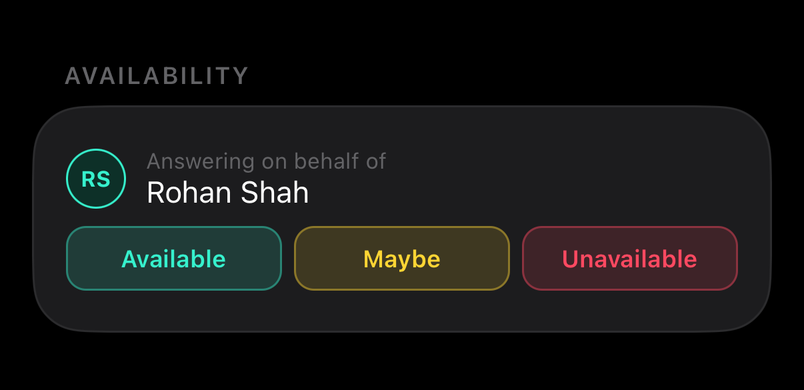
A parent who joins with the team code links to their child and can set availability, pay fees and follow the chat on their behalf.
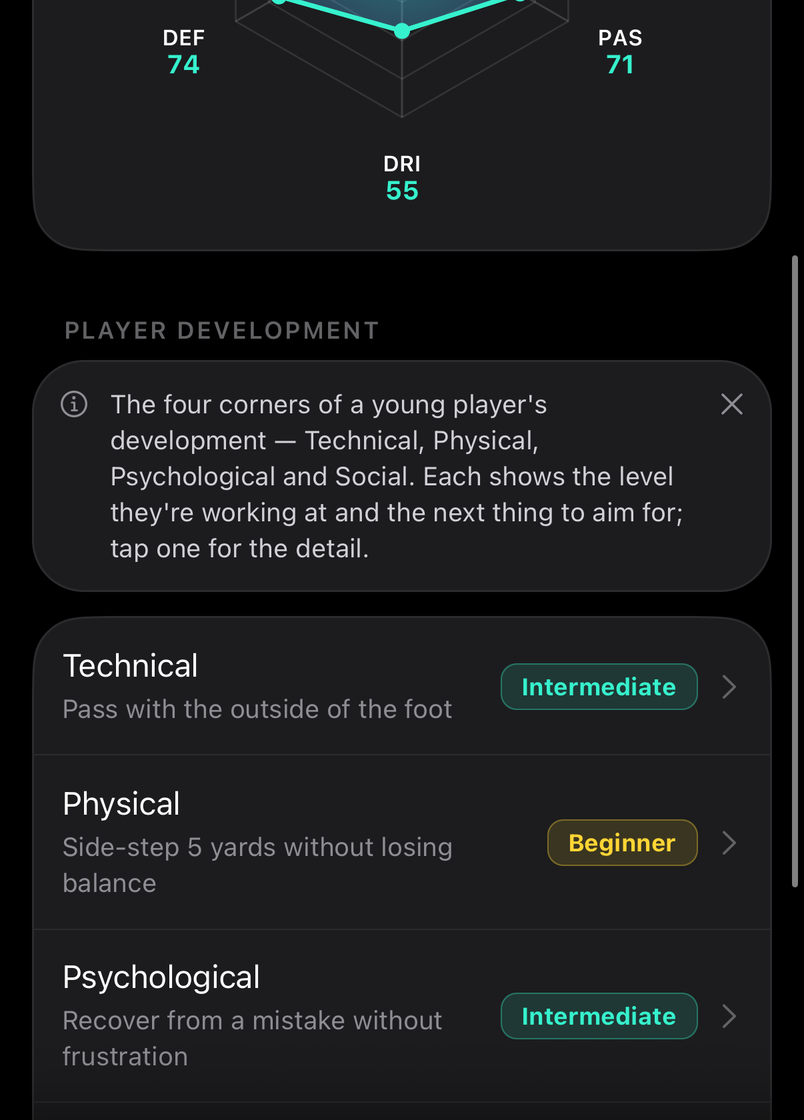
What are Performance and Development?
Performance is the coach's picture of the player's game, scored across the main areas. Development is the four corners, Technical, Physical, Psychological and Social, each with the level they're working at and the next thing to aim for.